Description
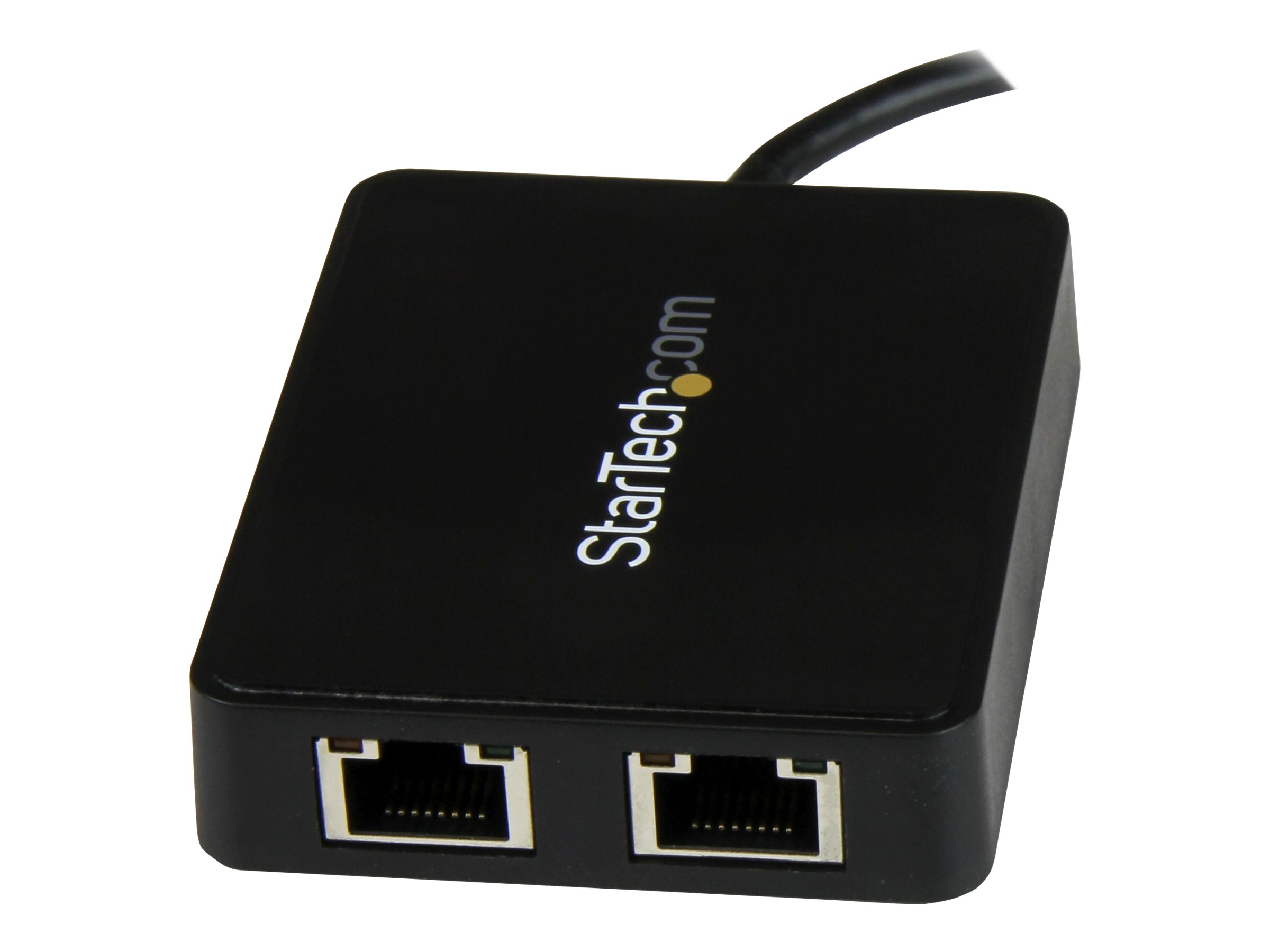
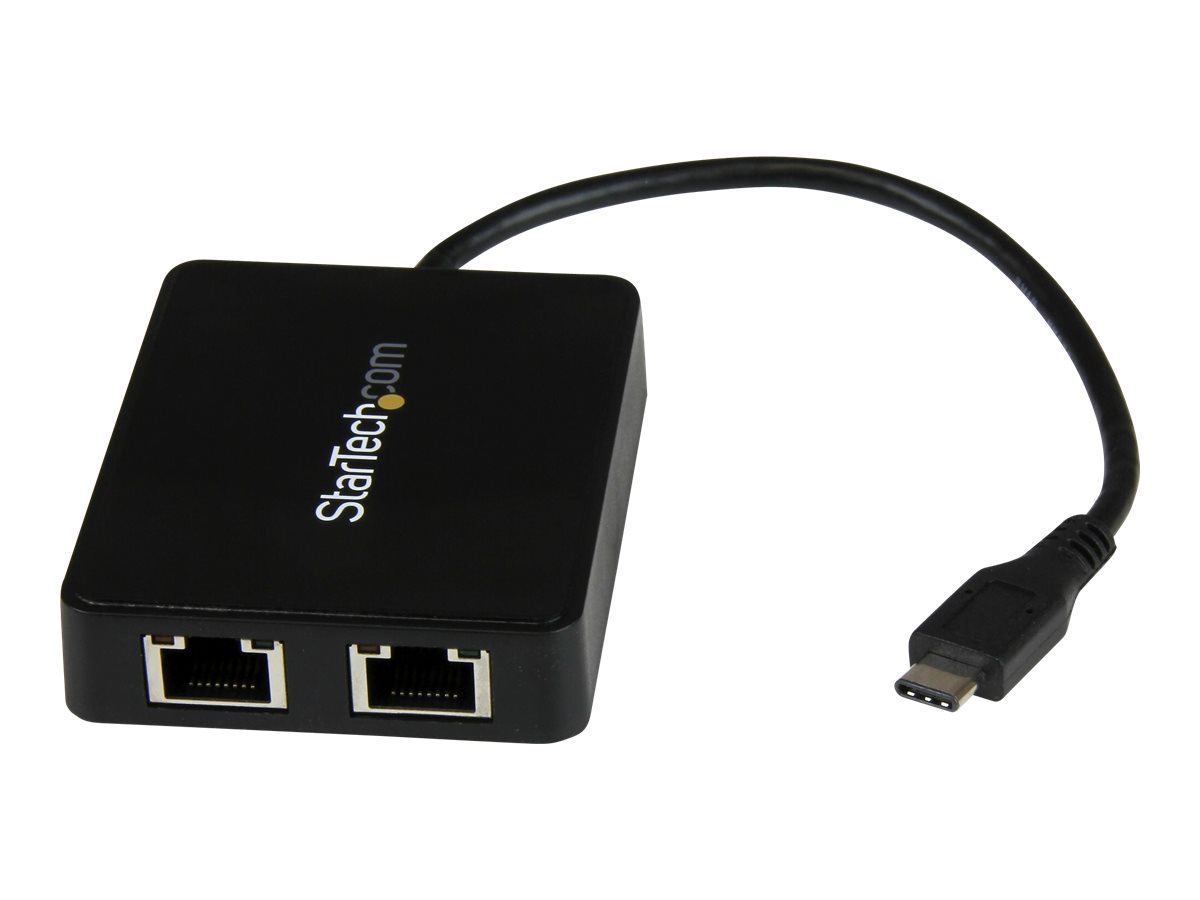
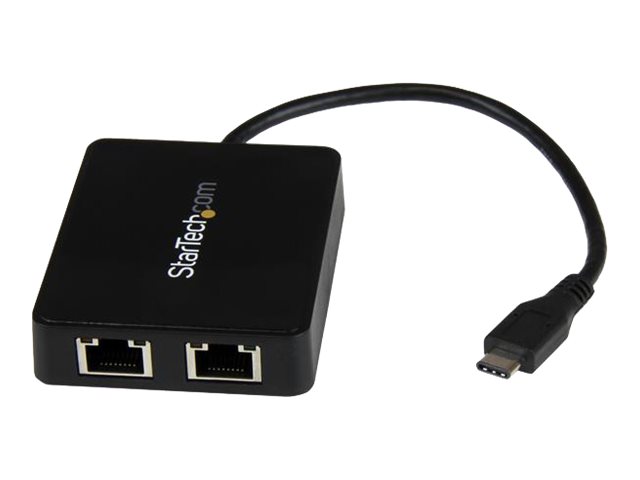
Use the USB-C port on your laptop to add LAN access with two Gigabit Ethernet ports and a USB 3.0 (Type-A) port. Now, you can add wired network access through the USB-C or Thunderbolt 3 port on your laptop or desktop computer, and connect to your USB 3.0 (Type A) devices with ease. This Gigabit Ethernet network adapter gives you access to two reliable GbE ports, and without having to install drivers. It’s a great companion for your MacBook, Chromebook Pixel, Dell XPS 12, Dell Latitude 12 7000 Series 2-in-1 or another device that has a USB Type-C port.
The network adapter leverages the 5Gbps speed of USB 3.0 (also known as USB 3.1 Gen 1) to deliver the full bandwidth of your Gigabit network connection, without bottlenecks. This saves you time by making it easier to access very large files over your network at Gigabit speed.
For added versatility, the network adapter supports a range of convenient features, such as Wake-On-LAN, VLAN Tagging, Crossover Detection and Auto-Correction (Auto MDIX), Checksum Offload (IPv4, IPv6, TCP, UDP), and Large Send Offload.
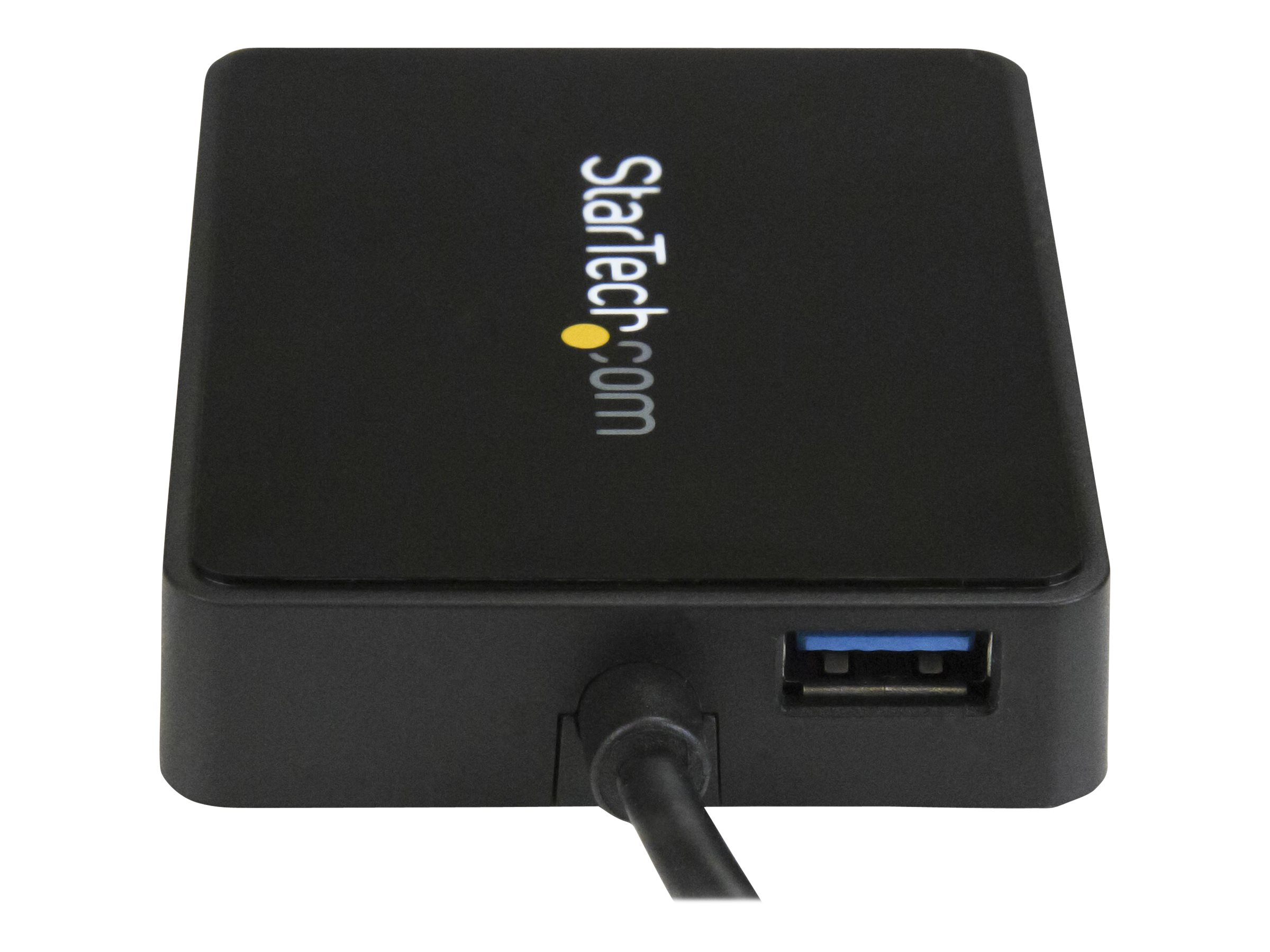
Some computers with USB Type-C only offer one USB-C port for external connectivity, which will not connect with your existing USB Type-A devices. This Gigabit adapter features an integrated USB 3.0 Type-A port, so while the adapter is connected to your computer to provide network access, you can also connect to USB peripherals that need a USB Type-A connector. The network adapter is also backward compatible with USB 2.0 systems.
Native driver support makes installation easy
Get up and running quickly. The network adapter provides native driver support to ensure a quick setup. Simply plug the adapter into the USB Type-C port on your laptop and connect to your network. The network adapter chipset offers native driver support in Chrome OS and Windows 8.1, and supports Mac OSX (10.10) with driver installation.
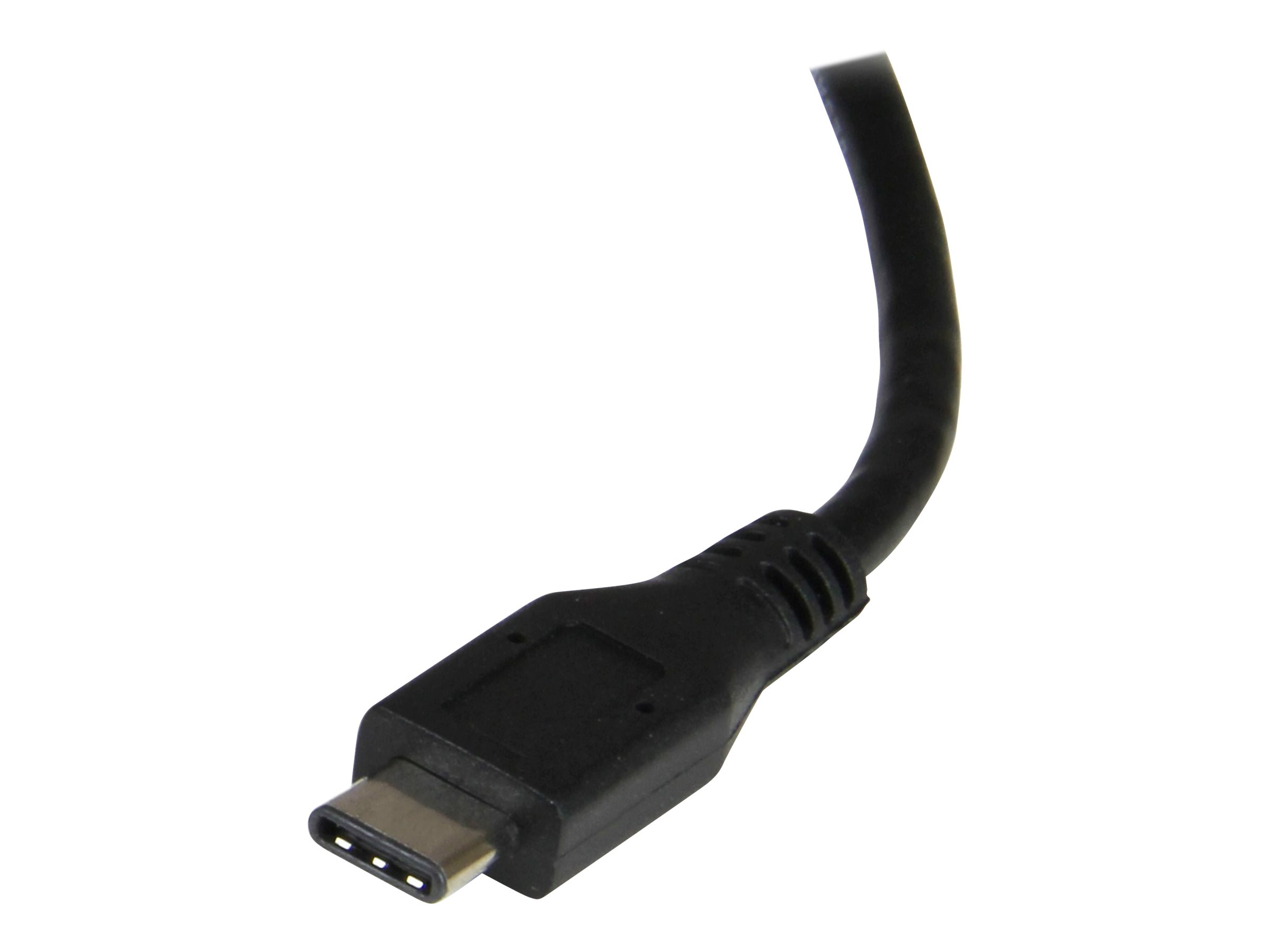
The USB Type-C connector is smaller and easier to use than previous USB connectors. It’s a reversible plug, so you can connect to your devices with either side facing up. You can insert the cable the right way every time, without frustration or the risk of port damage.
- Provides dual Gigabit Ethernet connectivity for faster network speeds
- Includes USB 3.0 Type-A port for added device connectivity
- Energy-efficient design with full duplex capability
- Supports 4K resolution for high-quality video output
- Compatible with various Ethernet standards for versatile use
- Efficient connectivity
This adapter offers dual 1 Gbps Ethernet ports, allowing for high-speed wired network connections without lag, making it perfect for both work and entertainment purposes. - Compact design
Its integrated form factor allows for easy transport and setup, suitable for both home and office environments. - USB-powered convenience
Powered through USB-C, there is no need for an external power adapter, simplifying the connectivity process. - Flexible compatibility
Designed for Mac users while supporting various Ethernet standards, making it versatile for a range of applications. - Environmental resilience
With operational temperatures between 5°C and 50°C, and humidity tolerance from 20% to 80%, this adapter performs reliably in various conditions.
Main Specifications
Product Description | Startech USB-C to Dual Gigabit Ethernet Adapter with USB 3.0 (Type-A) Port – USB Type-C Gigabit Network Adapter (US1GC301AU2R) – network adapter – USB-C – Gigabit Ethernet x 2 + USB 3.0 |
Device Type | Network adapter |
Form Factor | External |
Interface (Bus) Type | USB-C |
Ports | Gigabit Ethernet x 2 + USB 3.0 |
Dimensions (WxDxH) | 6 cm x 7.5 cm x 1.6 cm |
Weight | 59 g |
Cabling Type | Ethernet 10Base-T, Ethernet 100Base-TX, Ethernet 1000Base-T |
Data Link Protocol | 10Mb LAN, 100Mb LAN, 1GbE |
Data Transfer Rate | 1 Gbps |
Compliant Standards | IEEE 802.3, IEEE 802.3u, IEEE 802.3ab, IEEE 802.3az |
System Requirements | Microsoft Windows Server 2003, Microsoft Windows Server 2008 R2, Microsoft Windows Server 2012, Microsoft Windows Server 2016, Linux Kernel 2.6.25 or later, Microsoft Windows Server 2019, Linux LTS versions only, Apple MacOS X 10.6 – 10.15, Microsoft Windows XP / Vista / 7 / 8 / 8.1 / 10 / 11, Apple macOS 11.3 or later |
Designed For | P/N: TB33A1C |
Extended Specifications
General
Device Type | Network adapter |
|---|
Form Factor | External |
|---|
Interface (Bus) Type | USB-C |
|---|
Networking
Ports | Gigabit Ethernet x 2 + USB 3.0 |
|---|
Connectivity Technology | Wired |
|---|
Cabling Type | Ethernet 10Base-T, Ethernet 100Base-TX, Ethernet 1000Base-T |
|---|
Data Link Protocol | Ethernet, Fast Ethernet, Gigabit Ethernet |
|---|
Data Transfer Rate | 1 Gbps |
|---|
Status Indicators | Link/activity |
|---|
Features | Full duplex capability, auto-uplink (auto MDI/MDI-X), USB powered, Energy Efficient Ethernet, 4K resolution support, USB Pass-Through, VLAN Tagging (not supported in MacOS) |
|---|
Compliant Standards | IEEE 802.3, IEEE 802.3u, IEEE 802.3ab, IEEE 802.3az |
|---|
Expansion / Connectivity
Interfaces | 2 x 1000Base-T – RJ-45 – female
1 x USB 3.0 – 9 pin USB Type A – female |
|---|
Miscellaneous
Cables Included | 1 x SuperSpeed USB-C cable (integrated) |
|---|
Compliant Standards | FCC, RoHS |
|---|
Software / System Requirements
OS Required | Microsoft Windows Server 2003, Microsoft Windows Server 2008 R2, Microsoft Windows Server 2012, Microsoft Windows Server 2016, Linux Kernel 2.6.25 or later, Microsoft Windows Server 2019, Linux LTS versions only, Apple MacOS X 10.6 – 10.15, Microsoft Windows XP / Vista / 7 / 8 / 8.1 / 10 / 11, Apple macOS 11.3 or later |
|---|
Dimensions & Weight
Width | 6 cm |
|---|
Depth | 7.5 cm |
|---|
Height | 1.6 cm |
|---|
Weight | 59 g |
|---|
Environmental Parameters
Min Operating Temperature | 5 °C |
|---|
Max Operating Temperature | 50 °C |
|---|
Humidity Range Operating | 20 – 80% |
|---|
Compatibility Information
Only logged in customers who have purchased this product may leave a review.

Reviews
There are no reviews yet.