Description
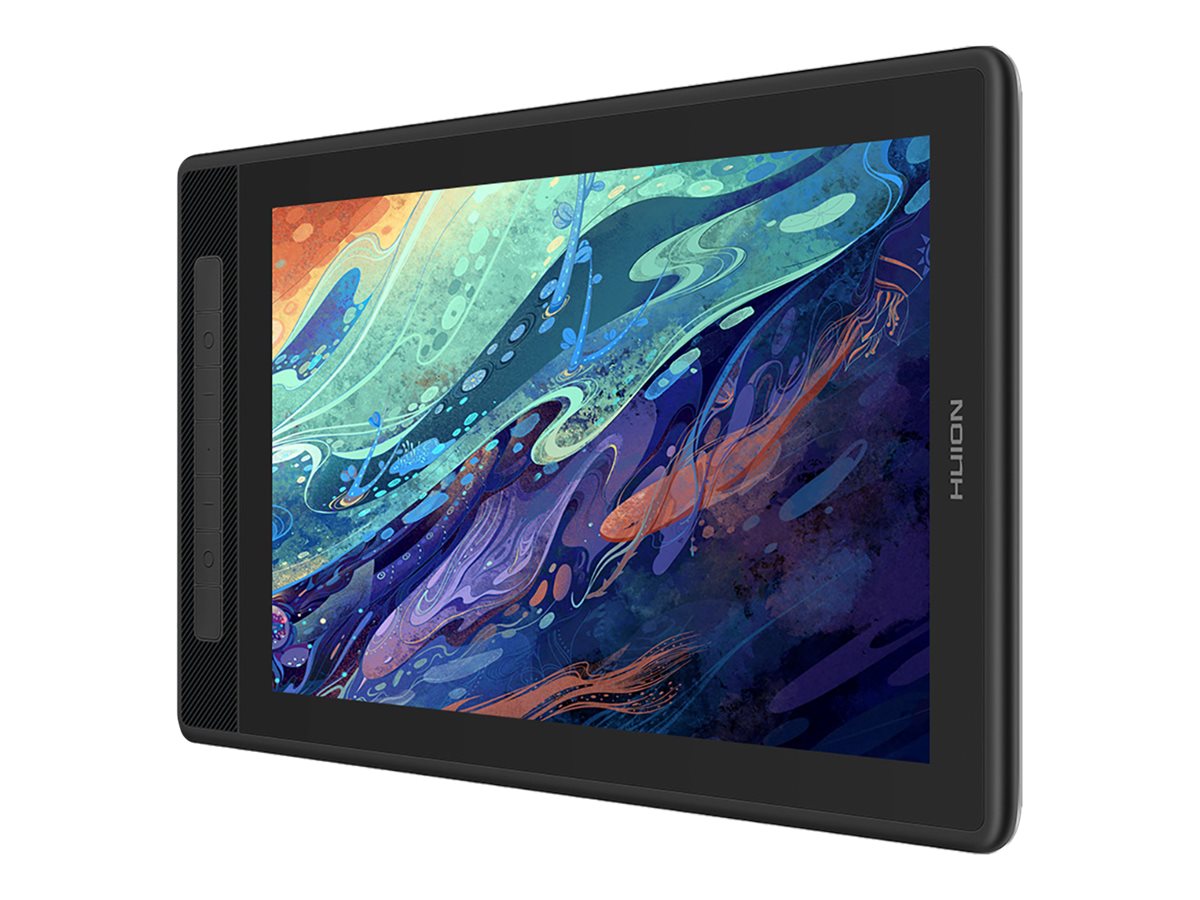
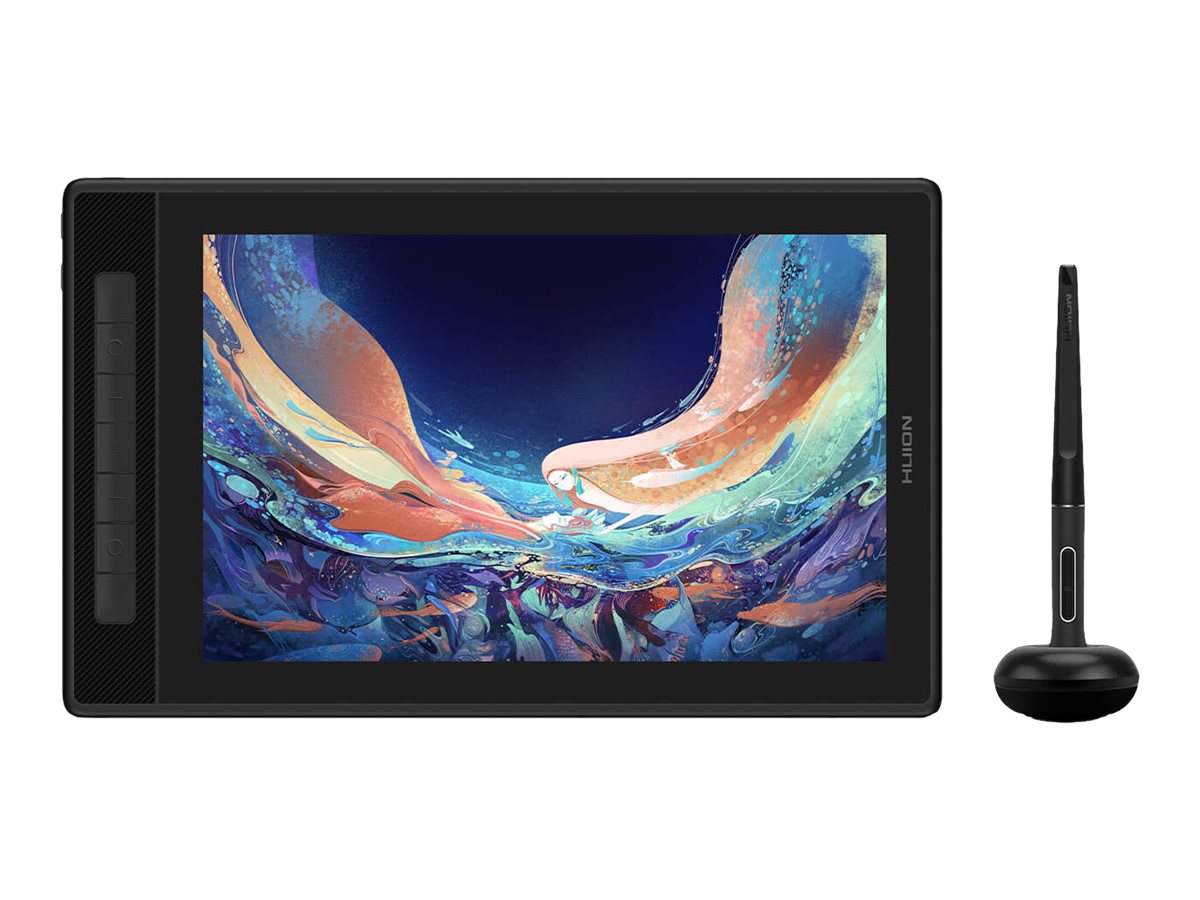
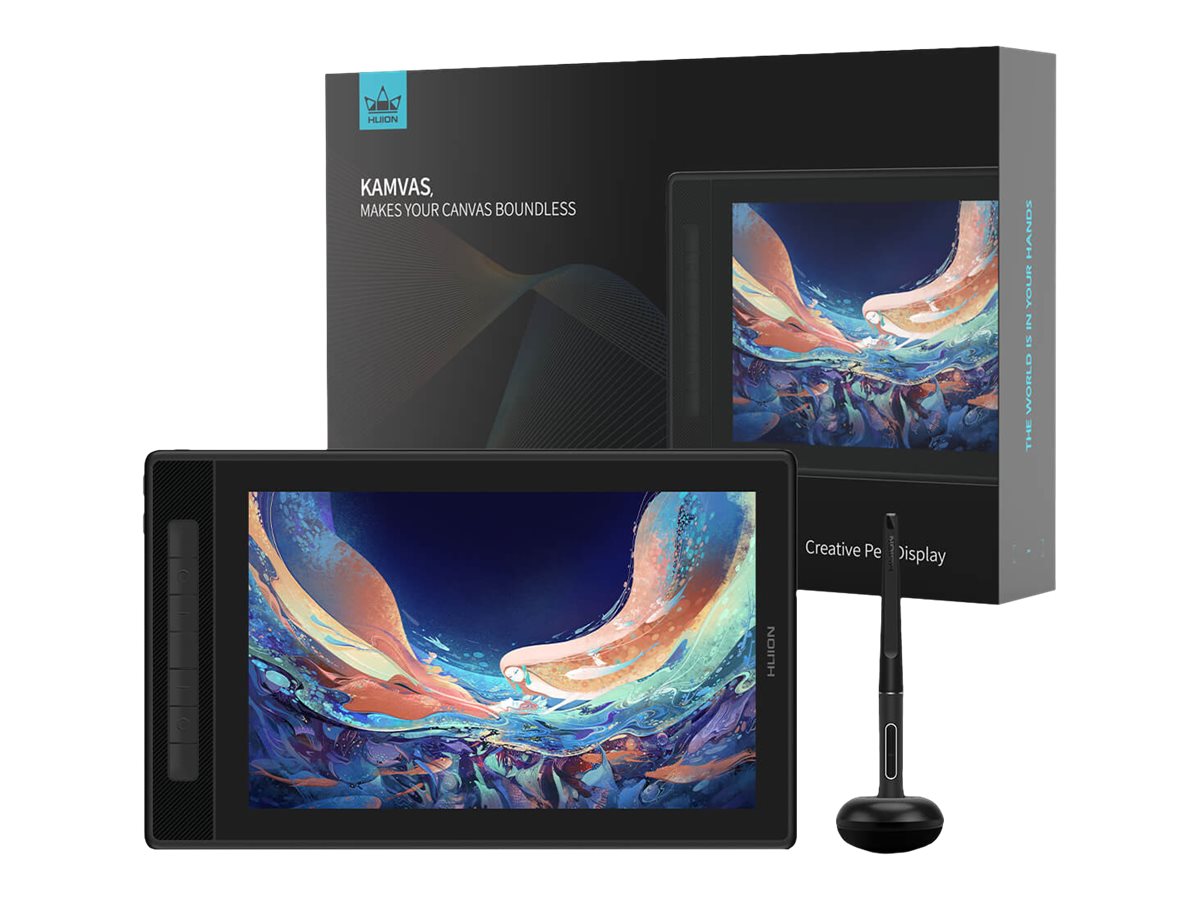
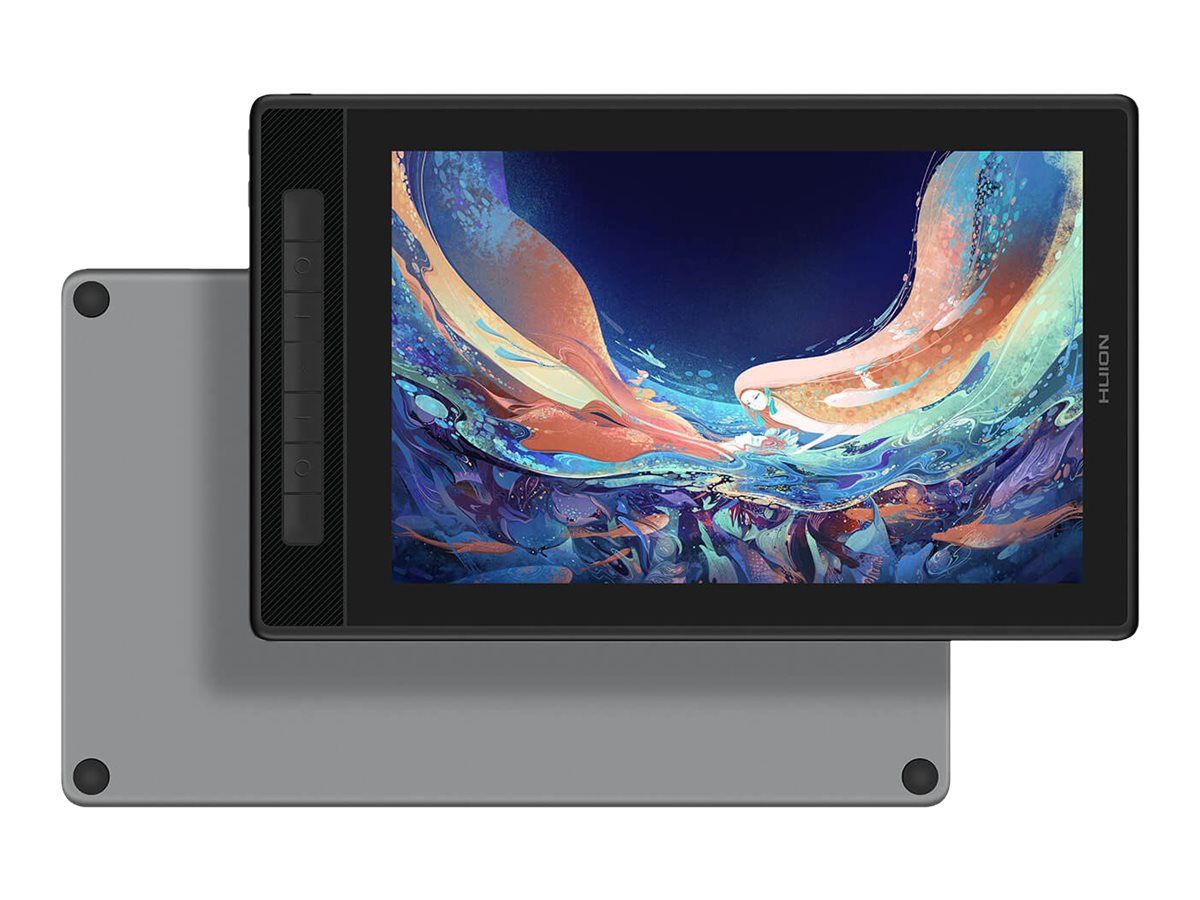
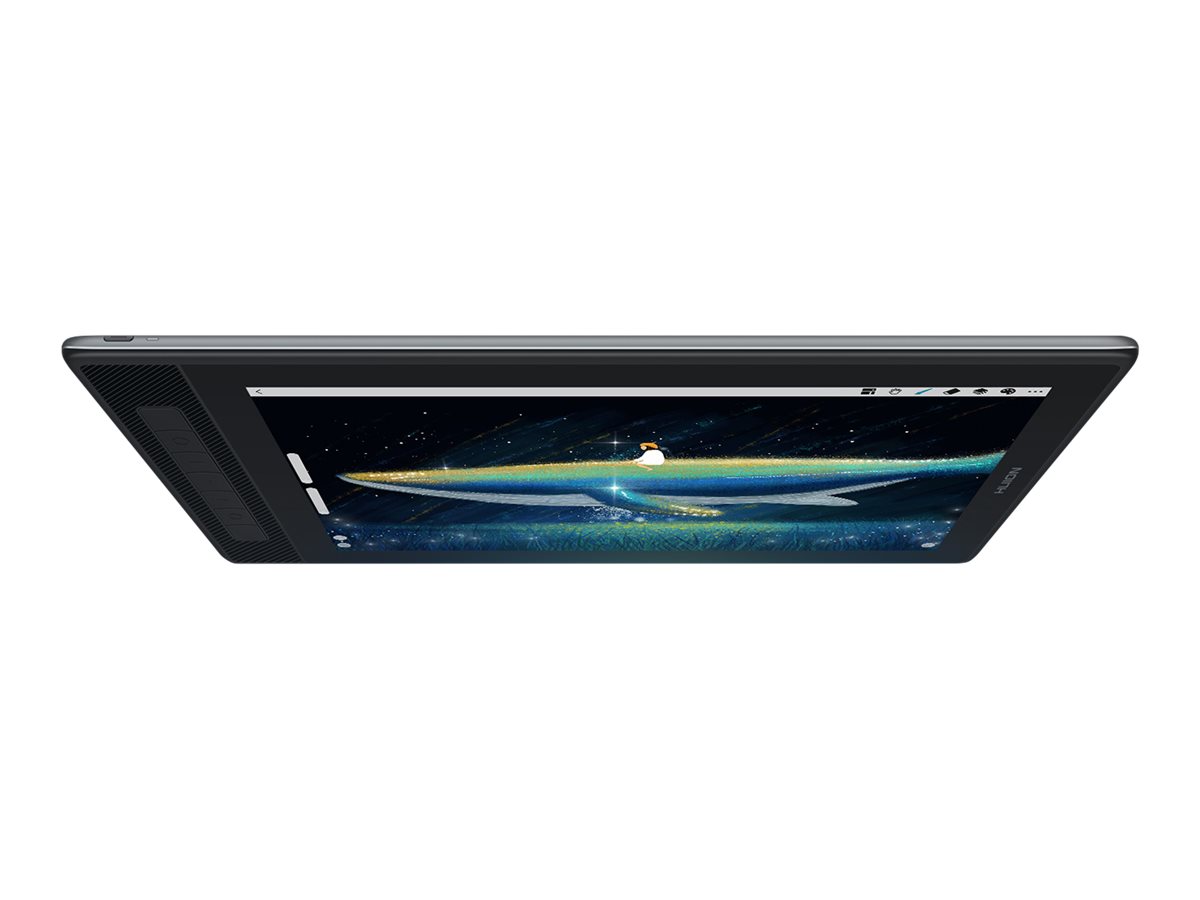
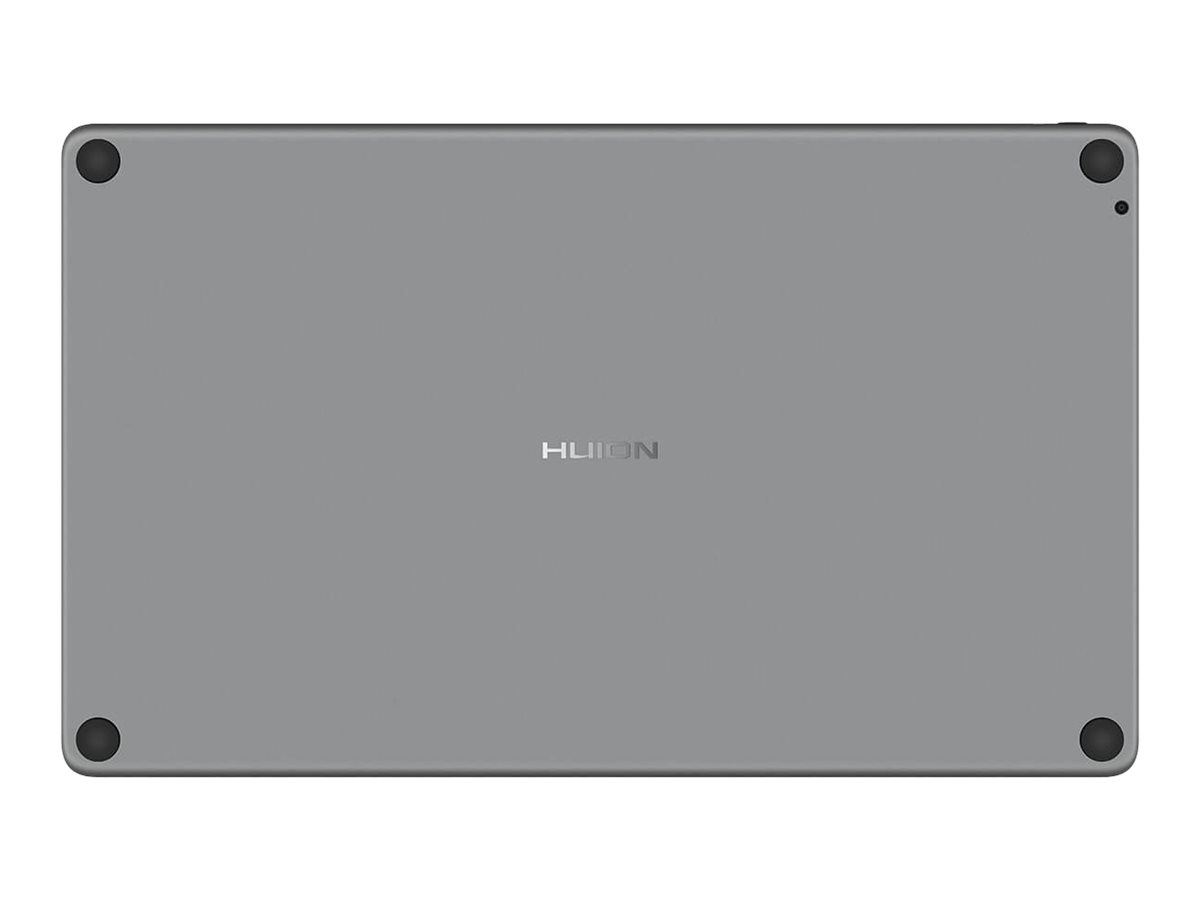
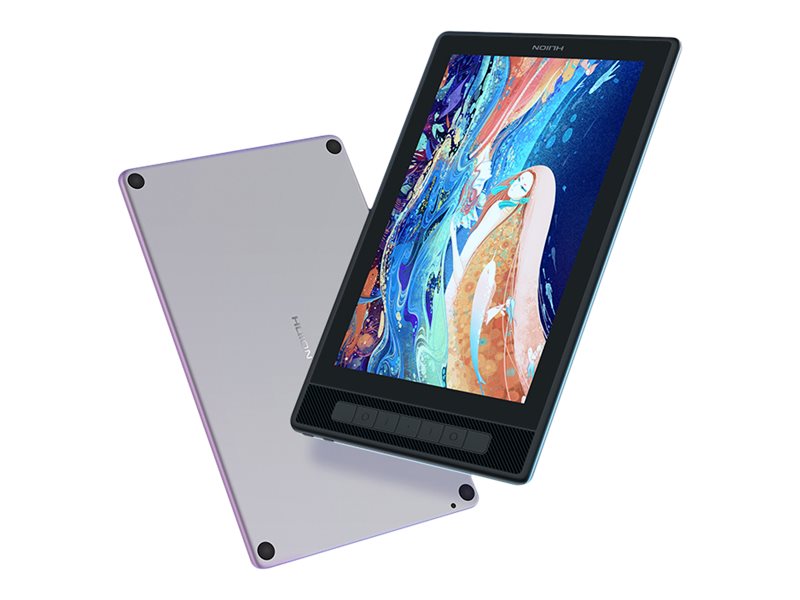
The Kamvas Pro 13 (2.5K) owns the same textured aluminum back, Anti-Glare etched glass, and full lamination as its predecessor – Kamvas Pro 13. Moreover, the higher 2.5K resolution and QLED technology give it a new definition. Kamvas Pro 13 (2.5K) enables you to deeply immerse yourself in different art areas, such as design, photoshop, 3D modeling, etc.
- Clearer vision, create more ideas
- Superior color display, make your drawing alive
- Minimize parallax and glare, enhance your visibility
- PenTech 3.0, drawing with more stability
- Built-in shortcut keys, drawing more efficiently
- One cable with more compatibility
- Feel, love, and immerse in your tidy workspace
- Portable anywhere
- Lighten screen into a pen display
- Darken screen into a pen tablet
- Make OSD control easier
- Clearer vision, create more ideas
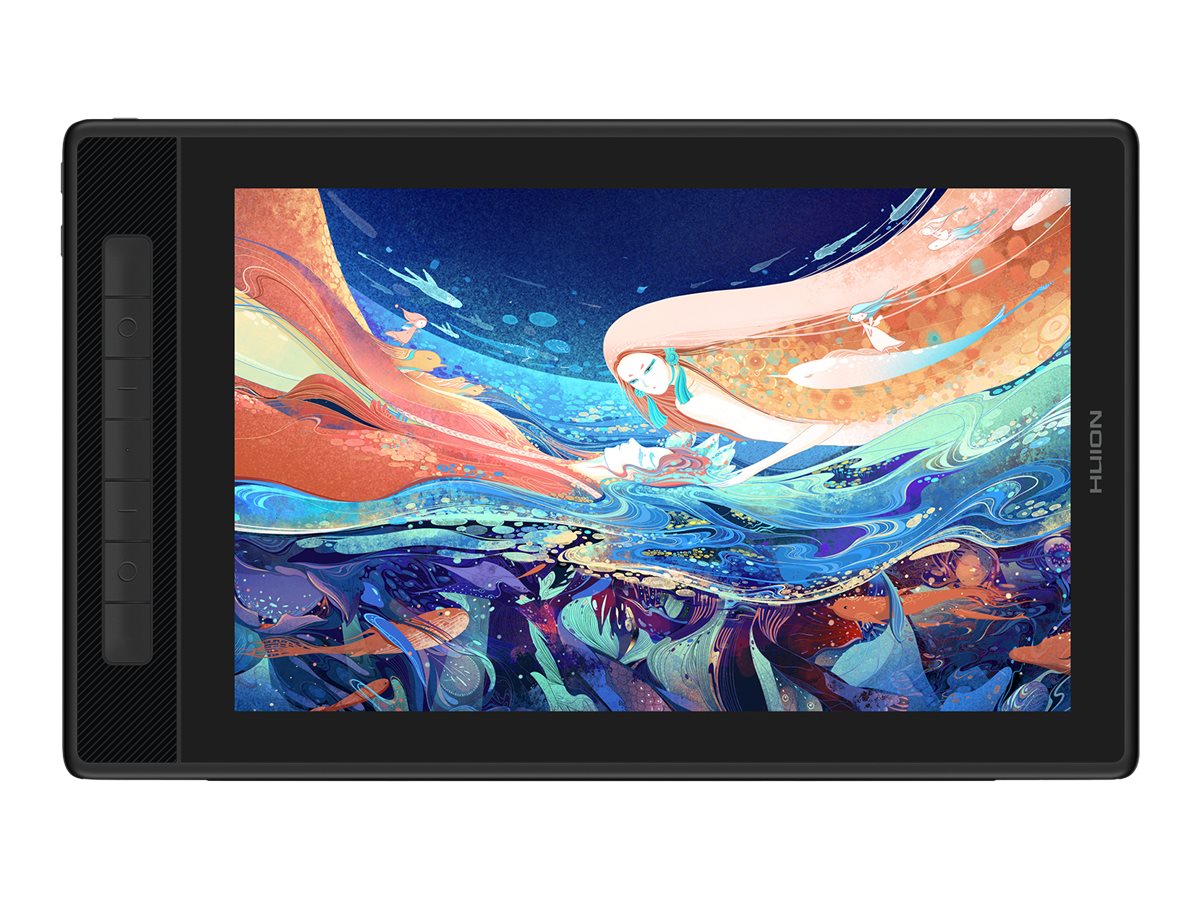
The upgraded 2.5K QHD+ (2560×1600) resolution lets you view more details on its stunning screen. Combined with the 13.3″ screen, the Kamvas Pro 13 (2.5K) can reach 226 PPI (Pixels Per Inch), which doubles the clarity and detail to enhance your vision and work experience. - Superior color display, make your drawing alive
To surpass the limitations imposed by ordinary LED lights, it was added a Quantum Dots film on the Kamvas Pro 13 (2.5K), achieving deeper black and brilliant color performance for professional artists. It also comes with a 178° viewing angle from IPS technology and 16.7M (8Bit) color depth to help you create more masterpieces. - Minimize parallax and glare, enhance your visibility
Like its predecessor, Kamvas Pro 13 (2.5K) is equipped with Anti-Glare etched glass to efficiently prevent glare from the outside environment. It also can enhance the screen surface friction to make it more like a paper texture. At the same time, the full-laminated technology can improve brightness for a more transparent screen and allow the pen tip to fit perfectly with the cursor. - PenTech 3.0, drawing with more stability
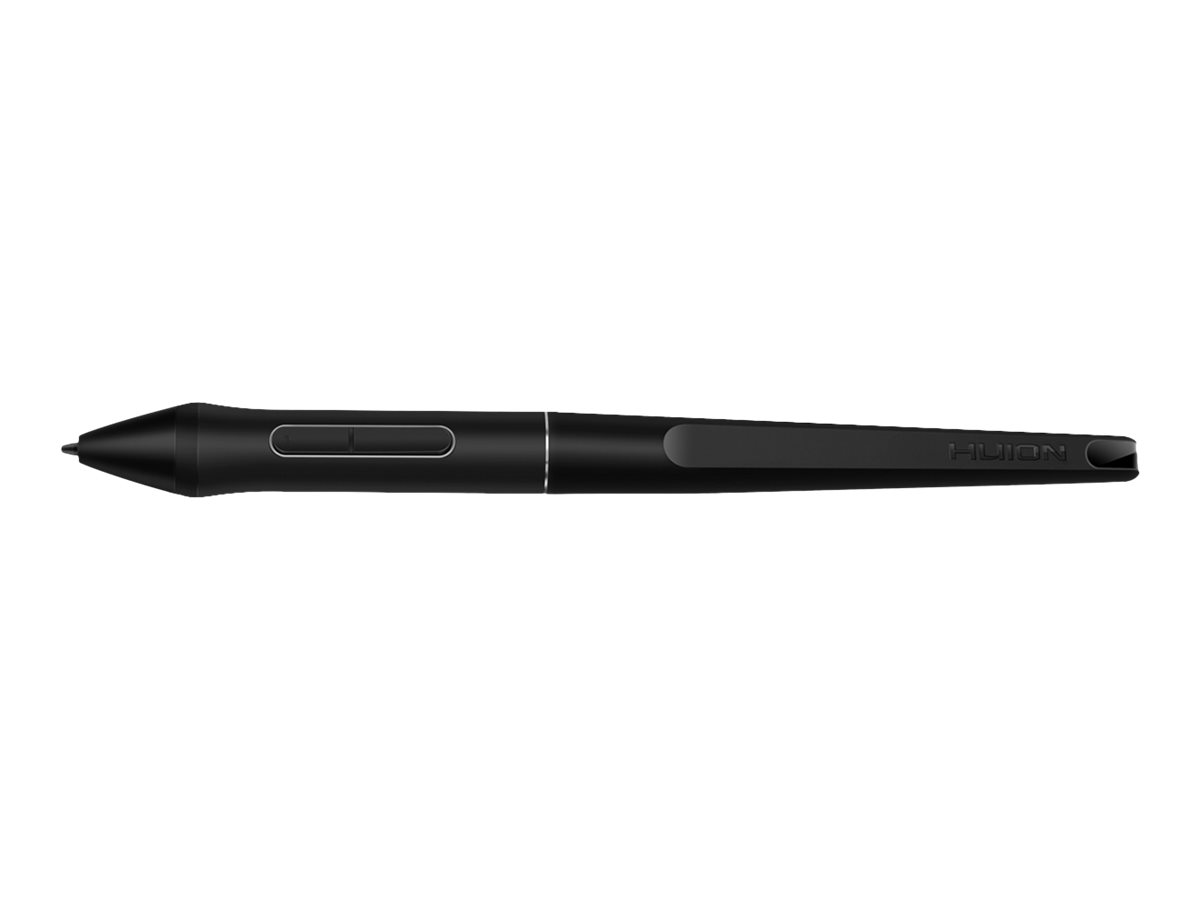
The battery-free pen PW517, featuring PenTech 3.0 (Huion’s latest pen technology), provides better stability with a lower-position pen nib to bring you a lifelike drawing experience. It also supports ±60° Tilt Function and 8192 levels of pressure sensitivity. There were also provided felt nibs in the pen holder for you, enhancing the friction between the screen surface and the pen nib. - Built-in shortcut keys, drawing more efficiently
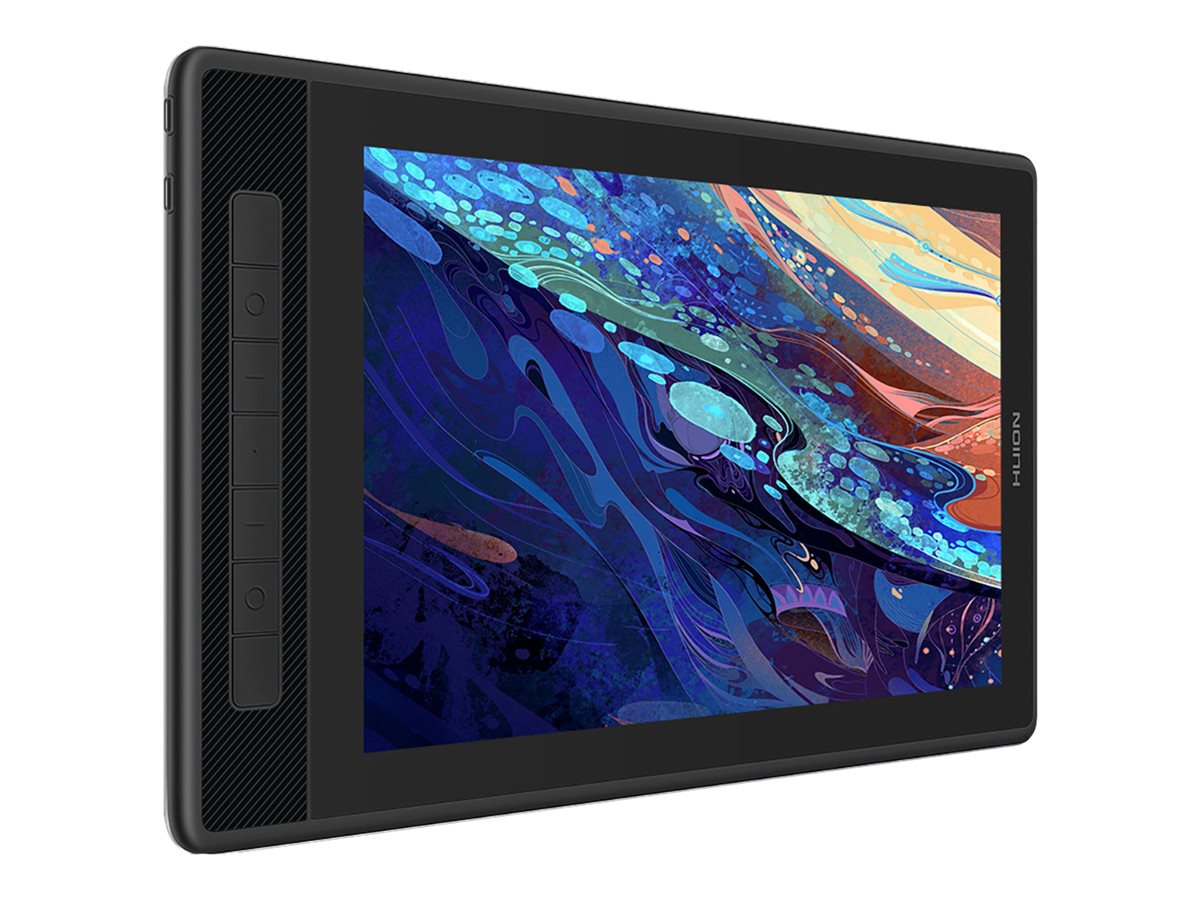
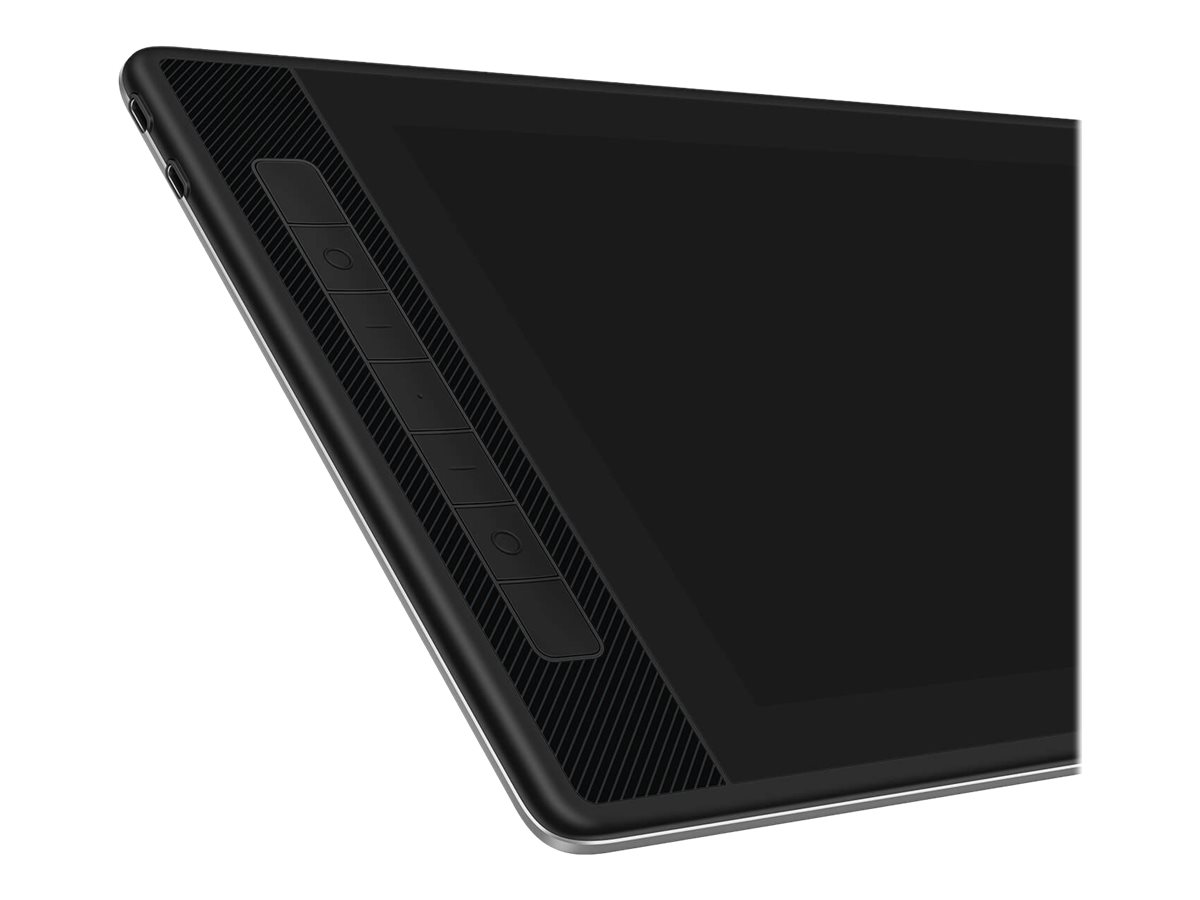
There are 7 shortcut keys set on the left side of the pen tablet. Each key can be set to different functions, such as your keyboard combinations, left and right mouse buttons, and set to switch display screen and even set to connect to your computer system such as lock screen and shut down your computer. In addition, those functions’ connections can be set on your pen keys, significantly improving your drawing efficiency. - One cable with more compatibility
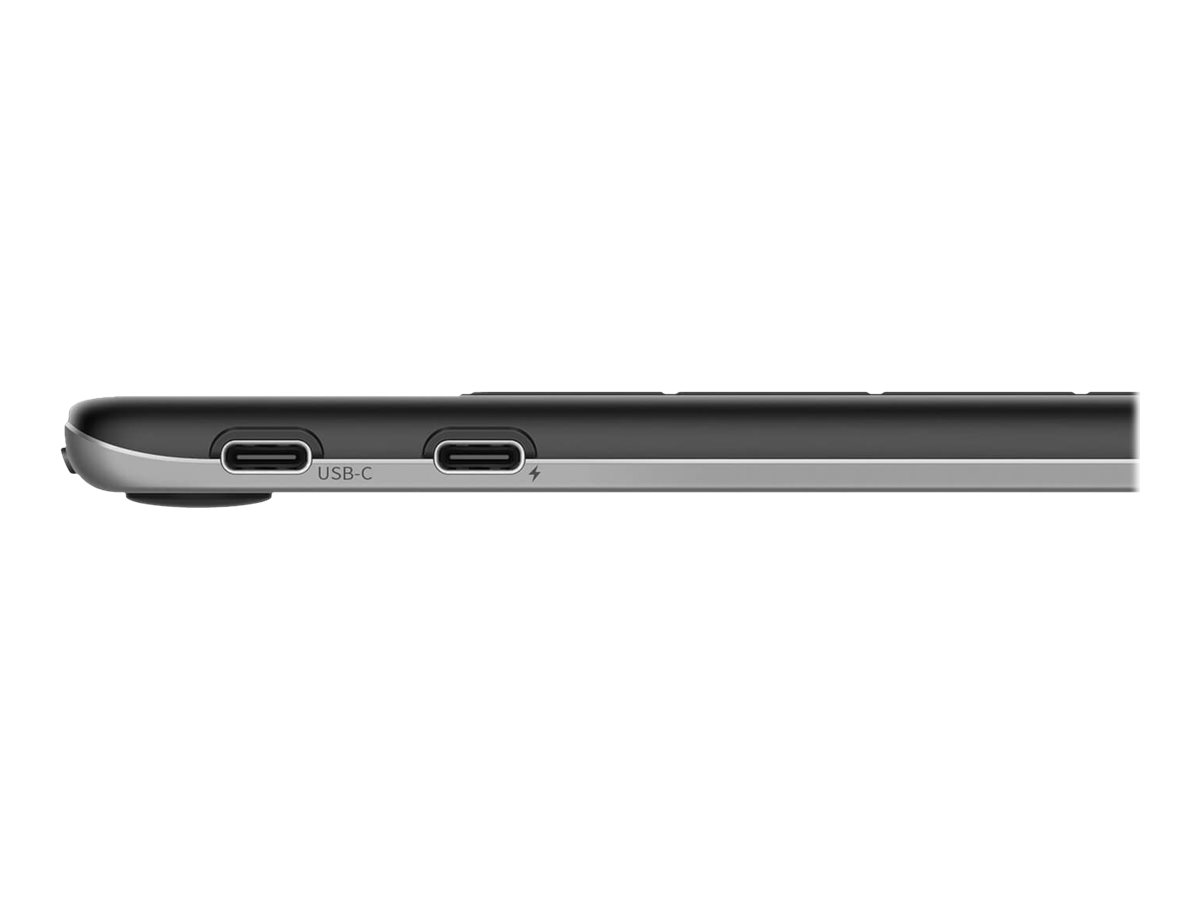
Whether indoors or outdoors, on the coffee table or office desk, you can freely connect Kamvas Pro 13 (2.5K) to your MacBook, Laptop, or Android device via a fully functional USB-C to USB-C cable that significantly enhances the convenience of the pen display. Combined with its excellent QHD resolution, QLED tech, AG glass, and full lamination features, you can use it anywhere for professional-level painting, modeling, retouching, and editing. - Feel, love, and immerse in your tidy workspace
For added cable stability, Kamvas Pro 13 (2.5K) is equipped with a 3-in-2 cable to avoid cable wobble for a more stable connection from the pen display to your computer host. Not only that, its one cable design can make your studio look neater to bring you a good mood while creating. - Portable anywhere
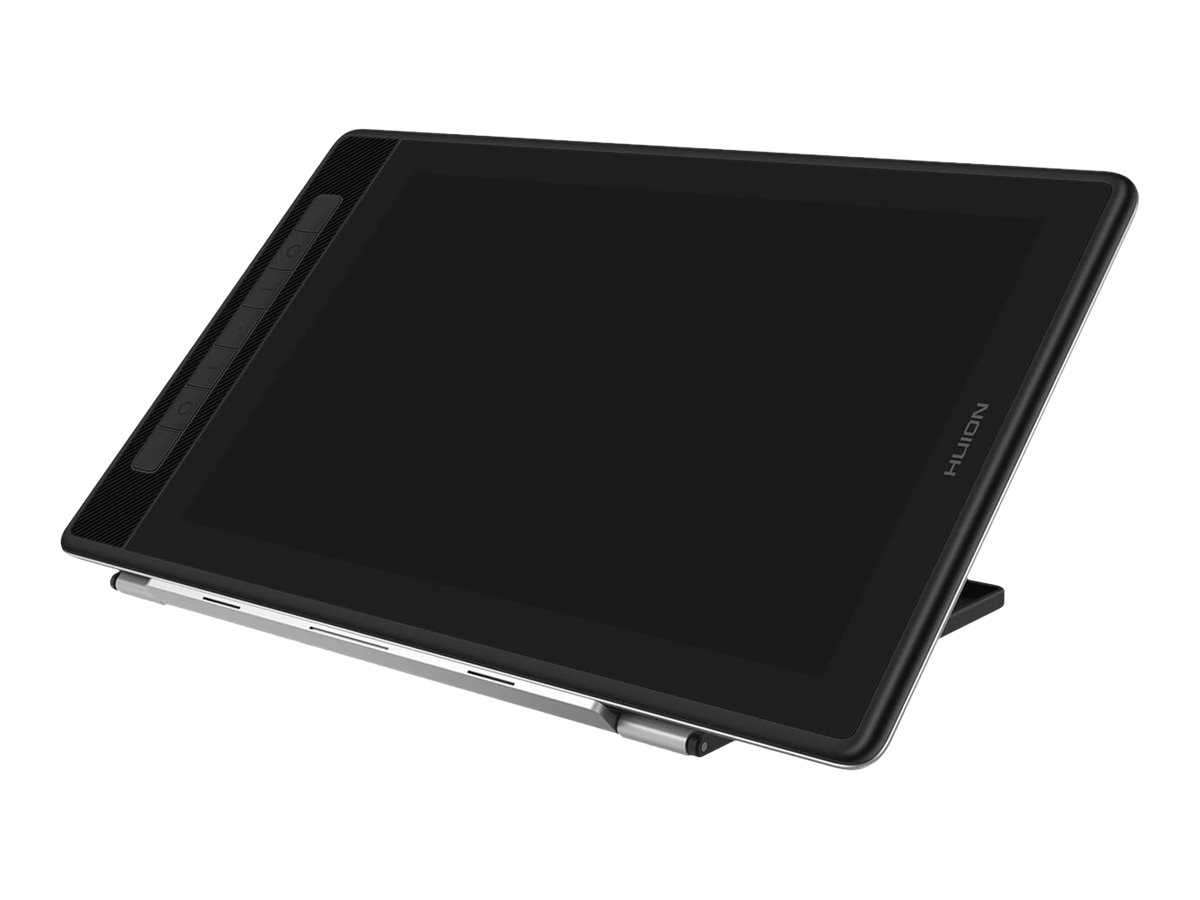
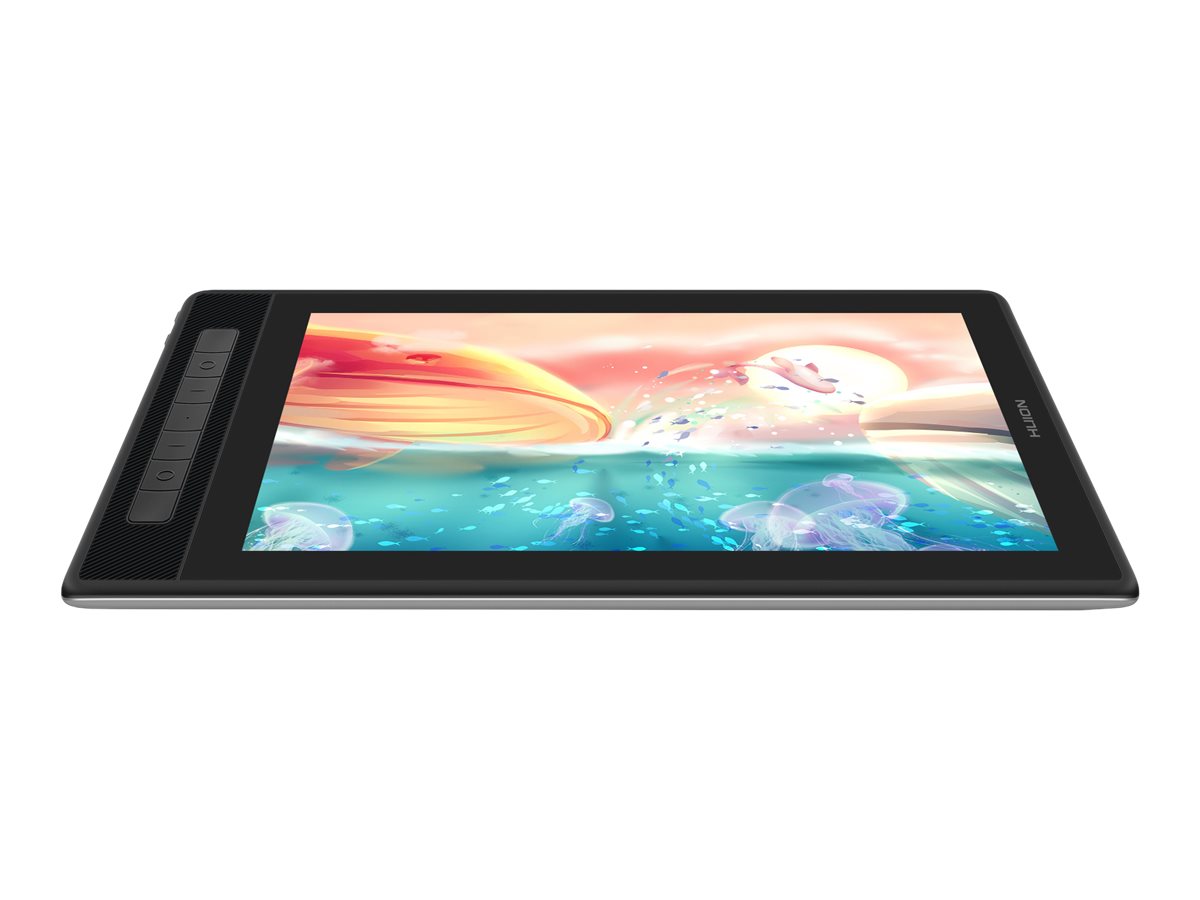
Kamvas Pro 13 (2.5K) combined with a 1cm thin body and 1kg lightweight to present its portability. The foldable stand ST200 in the package supports 6 angles, and you can adjust it to a comfortable angle to protect your neck. It can also be folded into a tablet without taking up any space in your backpack! - Lighten screen into a pen display
You can use Kamvas Pro 13 (2.5K) as a pen display to model, paint, or edit on screen directly. - Darken screen into a pen tablet
When you draw for a longtime and your neck feels tired, you can also use it as a pen tablet to draw on it then check on your computer screen. - Make OSD control easier
Call up the pen-enabled OSD menu by long-pressing the on/off button, and then use the PW517 digital pen to adjust the screen parameters. The simple modernized UI makes it easier to adjust the brightness, color temperature, and others.
What’s in the Box
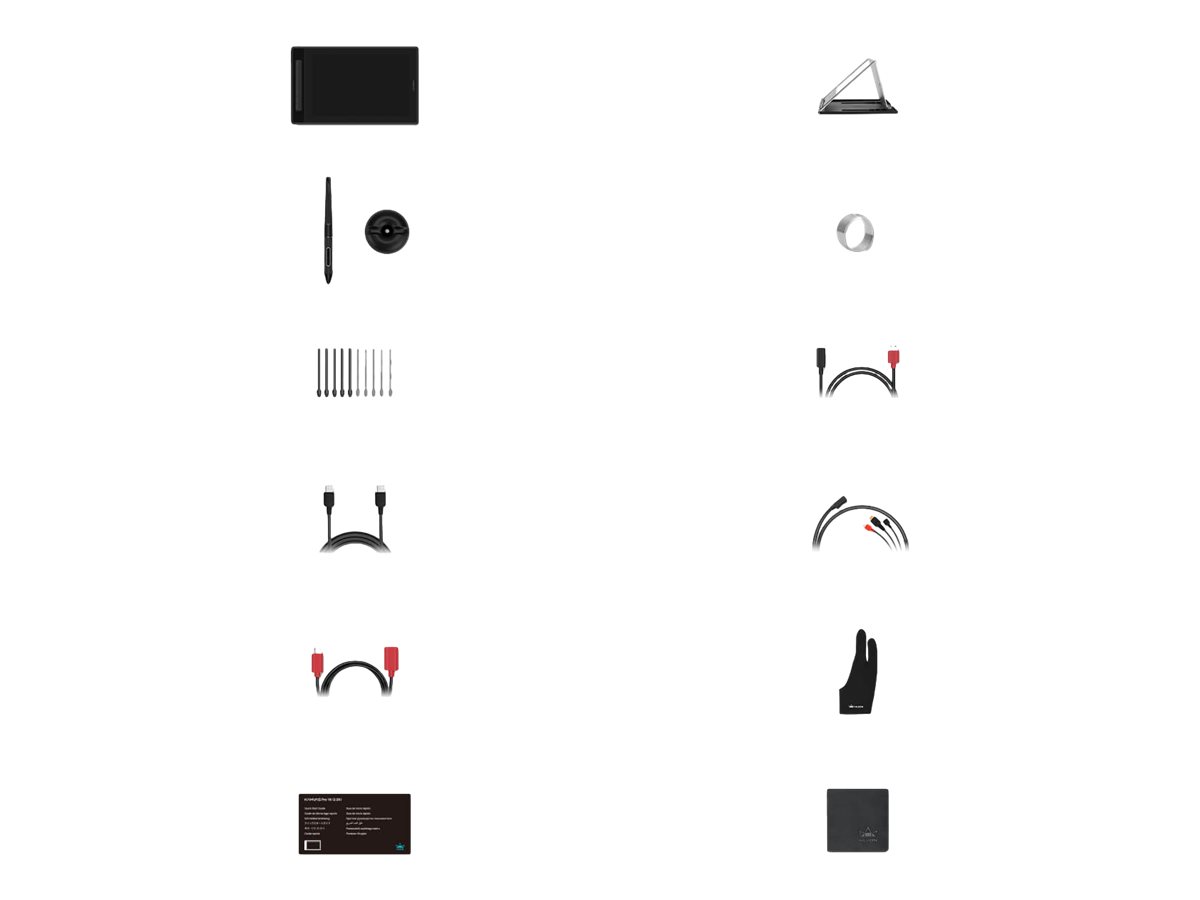
- Huion Kamvas Pro 13 (2.5K)
- Pen holder, USB-C cable, 3 in 2 cable, PW517 digital pen, felt nib
Main Specifications
Product Description | Huion Kamvas Pro 13 (2.5K) – digitiser – USB-C – silvery frost |
Device Type | Digitiser |
Connectivity Technology | Wired – USB-C |
Display | LCD display – 13.3" – 2560 x 1600 |
Colour | Silvery frost |
Dimensions (WxDxH) | 37.35 cm x 22.91 cm x 1 cm |
Weight | 1 kg |
Movement Detection Technology | Electromagnetic |
Buttons Qty | 7 |
Movement Resolution | 5080 lpi |
Accuracy | ± 0.3 mm |
Performance | 300 points per second |
Features | 10 mm reading height, antiglare surface, 60° tilt range, battery-free stylus, built-in stand, IPS screen, foldable, 145% sRGB colour gamut, full lamination, etched-glass touchpad, Pentech 3.0+ technology, wear-resistant |
Power | AC 100-240 V |
OS Required | Microsoft Windows 7 or later, Apple macOS 10.12 or later, Android, Linux |
Extended Specifications
General
Device Type | Digitiser |
|---|
Width | 37.35 cm |
|---|
Depth | 22.91 cm |
|---|
Height | 1 cm |
|---|
Weight | 1 kg |
|---|
Product Material | Aluminium alloy |
|---|
Colour | Silvery frost |
|---|
Input Device
Connectivity Technology | Wired |
|---|
Interface | USB-C |
|---|
Movement Detection Technology | Electromagnetic |
|---|
Buttons Qty | 7 |
|---|
Movement Resolution | 5080 lpi |
|---|
Accuracy | ± 0.3 mm |
|---|
Performance | 300 points per second |
|---|
Pressure Levels | 8192 |
|---|
Active Area | 28.65 cm x 17.9 cm |
|---|
Features | 10 mm reading height, antiglare surface, 60° tilt range, battery-free stylus, built-in stand, IPS screen, foldable, 145% sRGB colour gamut, full lamination, etched-glass touchpad, Pentech 3.0+ technology, wear-resistant |
|---|
Display
Type | LCD display |
|---|
Diagonal Size | 13.3" |
|---|
Image Aspect Ratio | 16:10 |
|---|
Colour Support | 16.7 million colours (8-bit) |
|---|
Native Resolution | 2560 x 1600 |
|---|
Image Brightness | 220 cd/m² |
|---|
Image Contrast Ratio | 1200:1 |
|---|
Horizontal Viewing Angle | 178 |
|---|
Vertical Viewing Angle | 178 |
|---|
Response Time | 25 ms |
|---|
Expansion / Connectivity
Miscellaneous
Included Accessories | 3 in 2 cable, USB-C cable, pen holder, felt nib, PW517 digital pen |
|---|
Power
Voltage Required | AC 100-240 V |
|---|
Power Consumption | 10 watt |
|---|
Power Consumption Stand by | 0.25 watt |
|---|
Software / System Requirements
OS Required | Microsoft Windows 7 or later, Apple macOS 10.12 or later, Android, Linux |
|---|
Environmental Parameters
Min Operating Temperature | 0 °C |
|---|
Max Operating Temperature | 40 °C |
|---|
Humidity Range Operating | 20 – 80% |
|---|
Only logged in customers who have purchased this product may leave a review.

Reviews
There are no reviews yet.