
Logitech Tap Scheduler Purpose-Built Scheduling Panel for Meeting Rooms, Video conferencing device, Certified for Microsoft Teams, Zoom Certified, graphite
$2,024.79 inc GST
✓ In Stock - 1 available
✓ Free NZ Delivery
1 in stock (can be backordered)
- Allow 1–2 days for delivery
- Add 1–2 days if you are rural
- No collections

Description
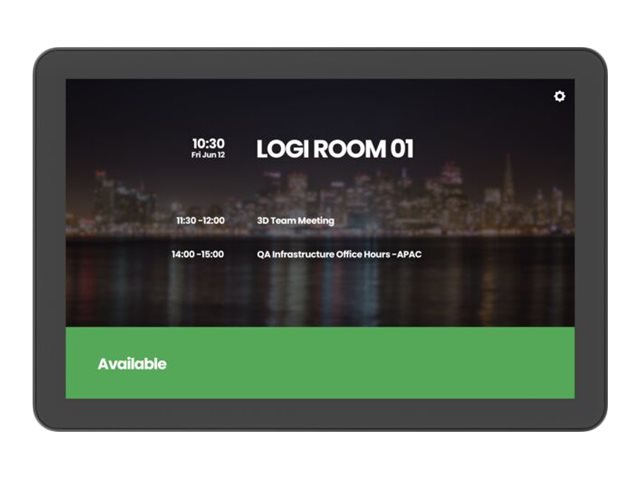
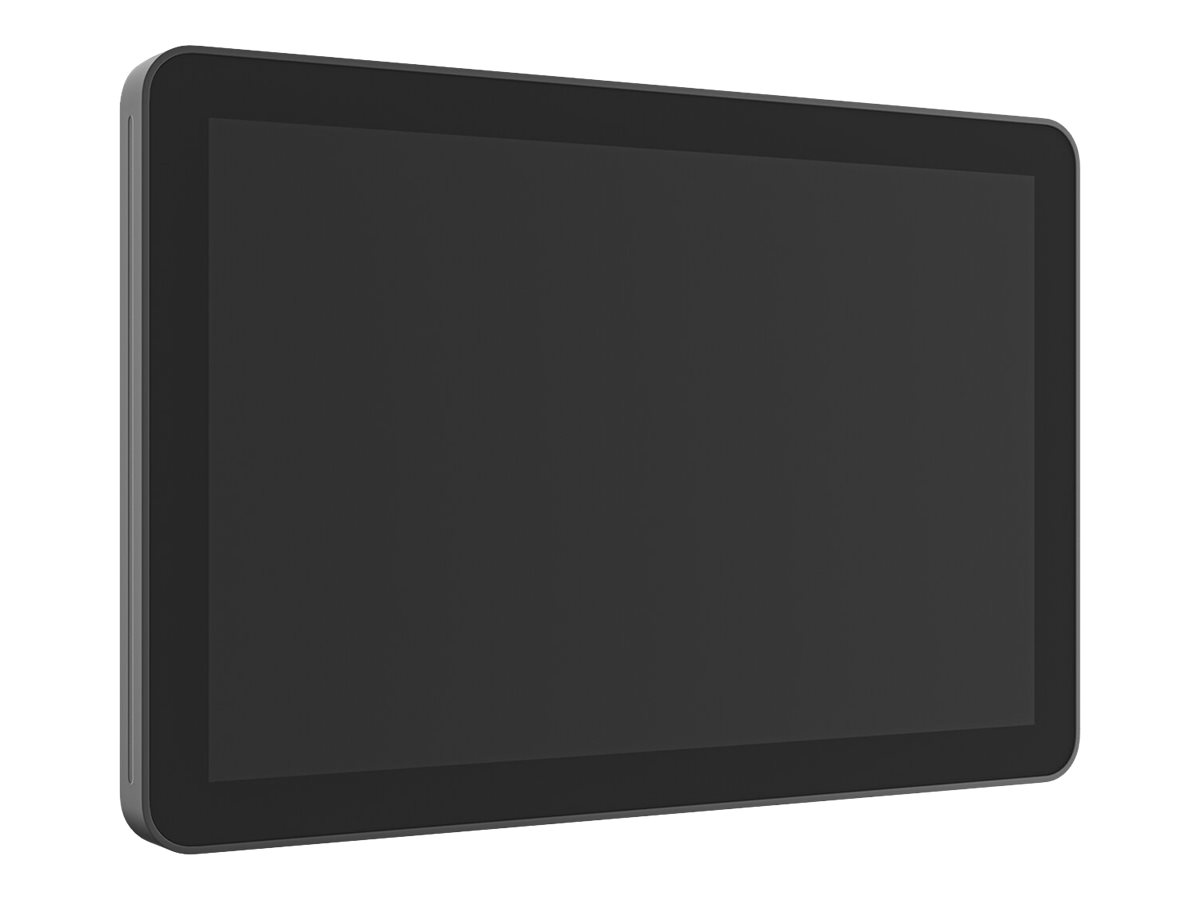
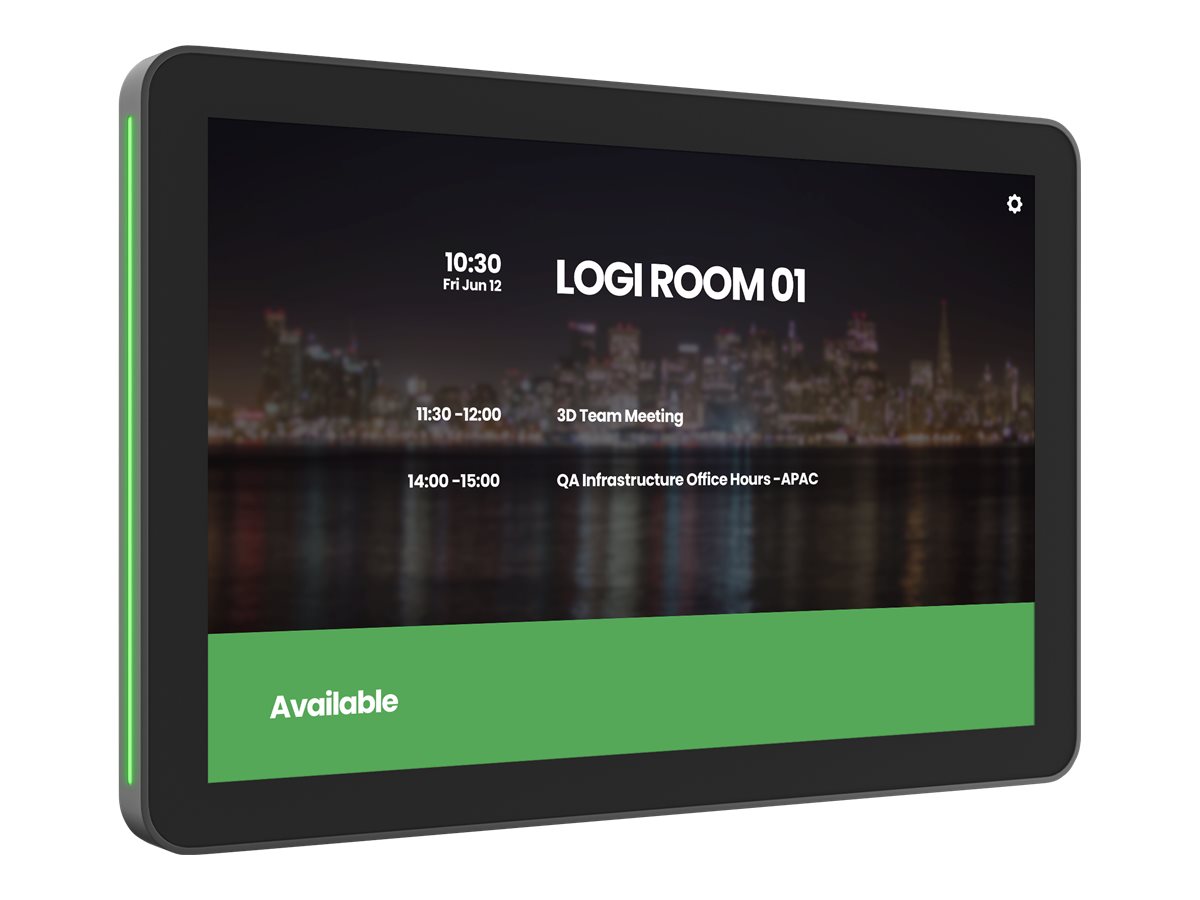
Make it easy to find and get to the right meeting space with Tap Scheduler, a purpose-built scheduling panel that signals availability from a distance. Up close, see meeting details, claim rooms, and book meetings on a spacious 10.1″ screen. Easily configure Tap Scheduler as a Microsoft Teams panel, as a Zoom Rooms Scheduling Display, with Meetio, Robin, or other room scheduling solutions in just a few simple steps. Provide a professional install with included glass, mullion, and wall mounts and clean cable management. Count on Tap Scheduler for reliable performance with durable components that are built to last. Remarkably simple to set up and designed for deployment at scale, Tap Scheduler can be added to any room to make the most out of meeting spaces. Make it easy to find and claim the right meeting space with Tap Scheduler, a purpose-built scheduling panel that is easily installed outside any room for fast deployment. Set up Tap Scheduler as a Microsoft Teams panel, as a Zoom Rooms Scheduling Display, with Meetio, Robin, and other leading room scheduling solutions.
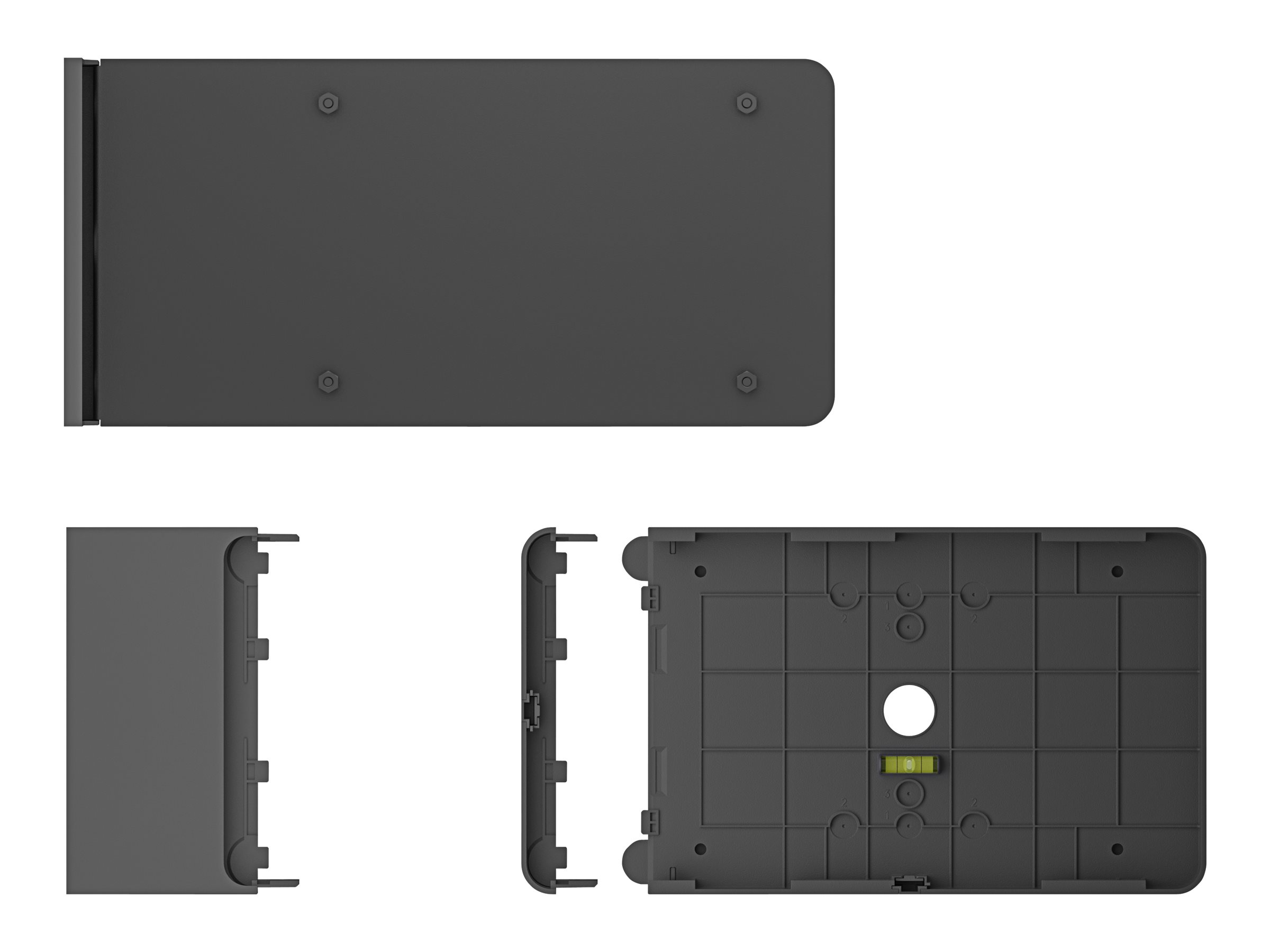
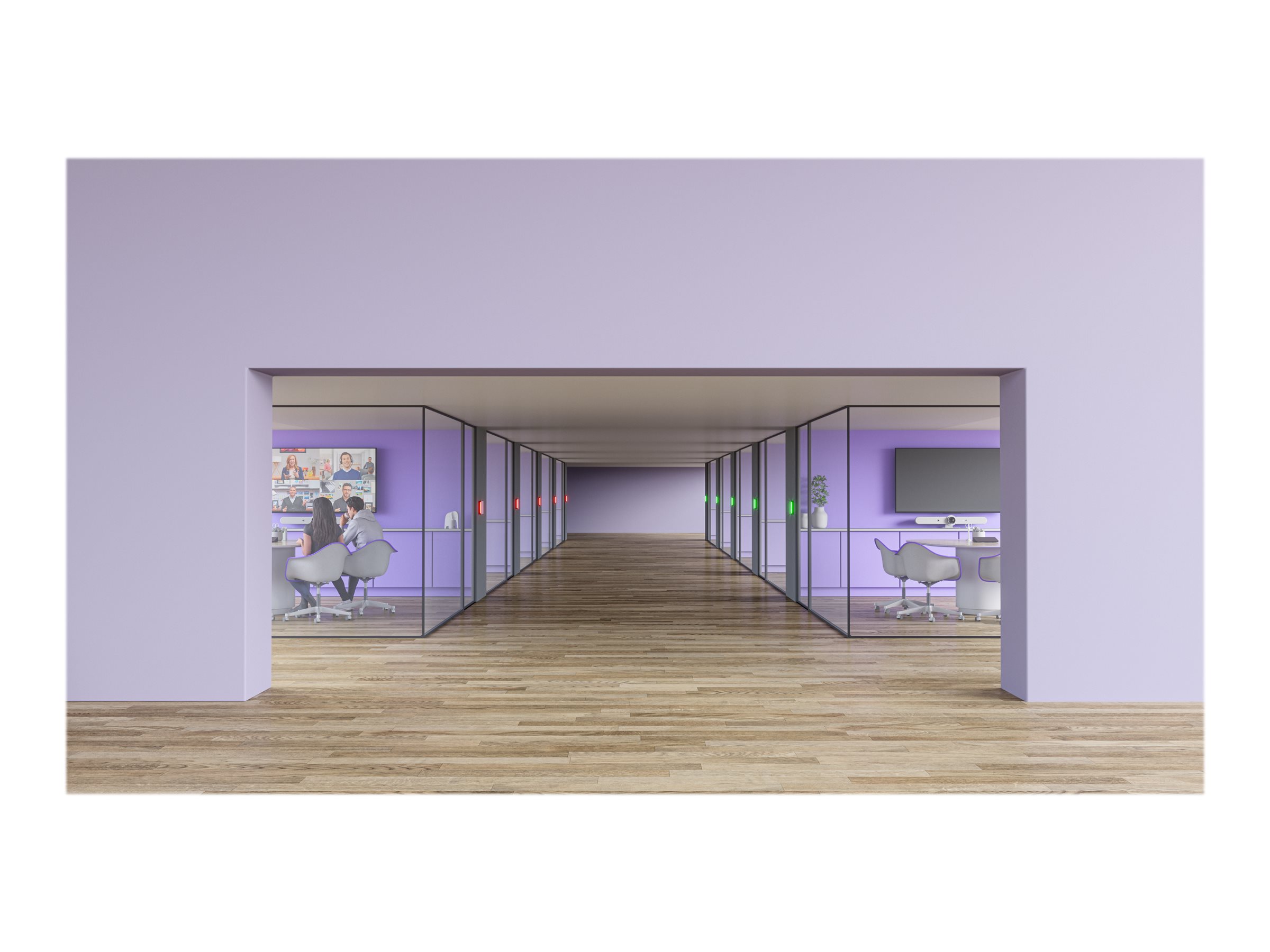
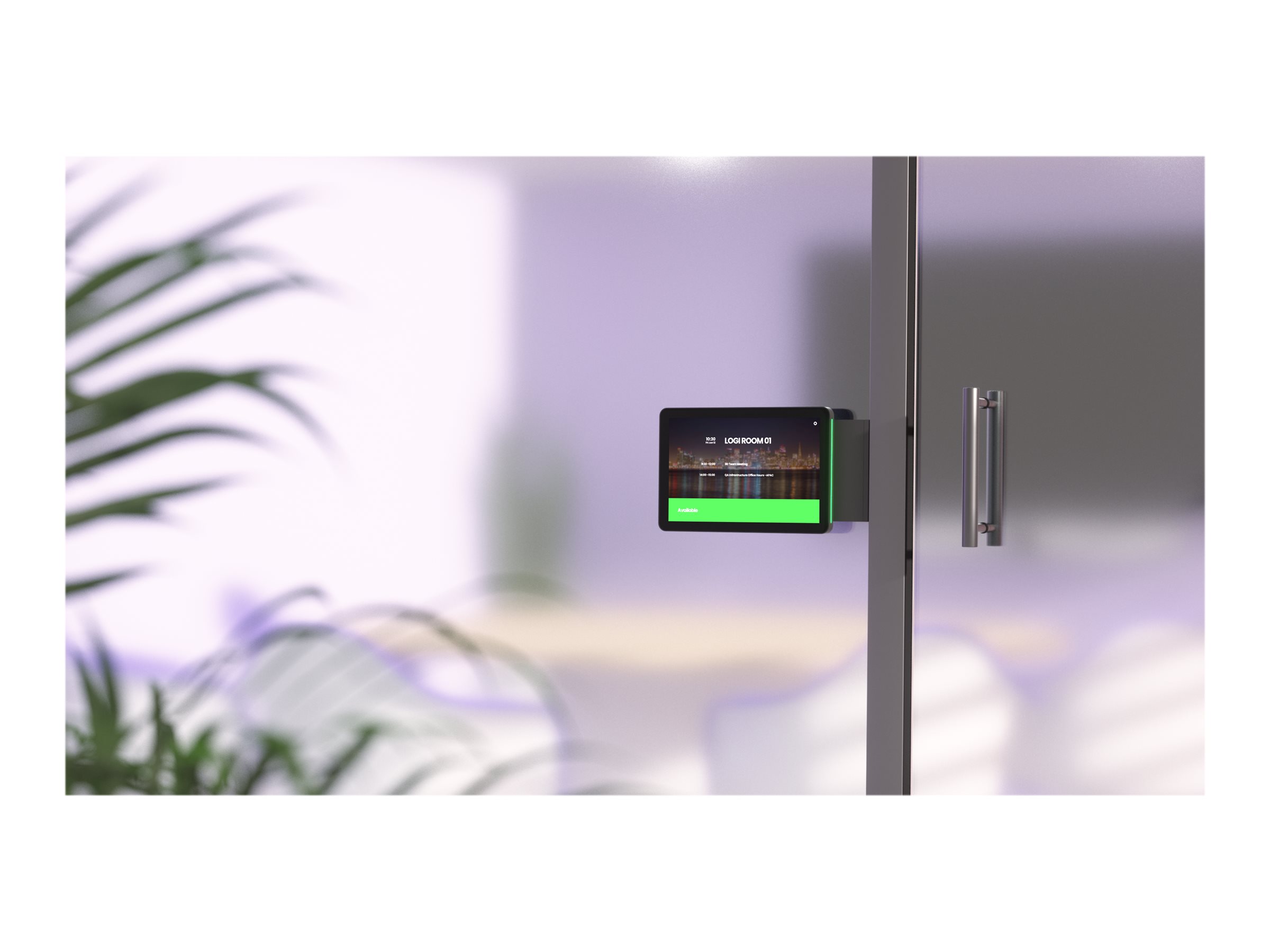
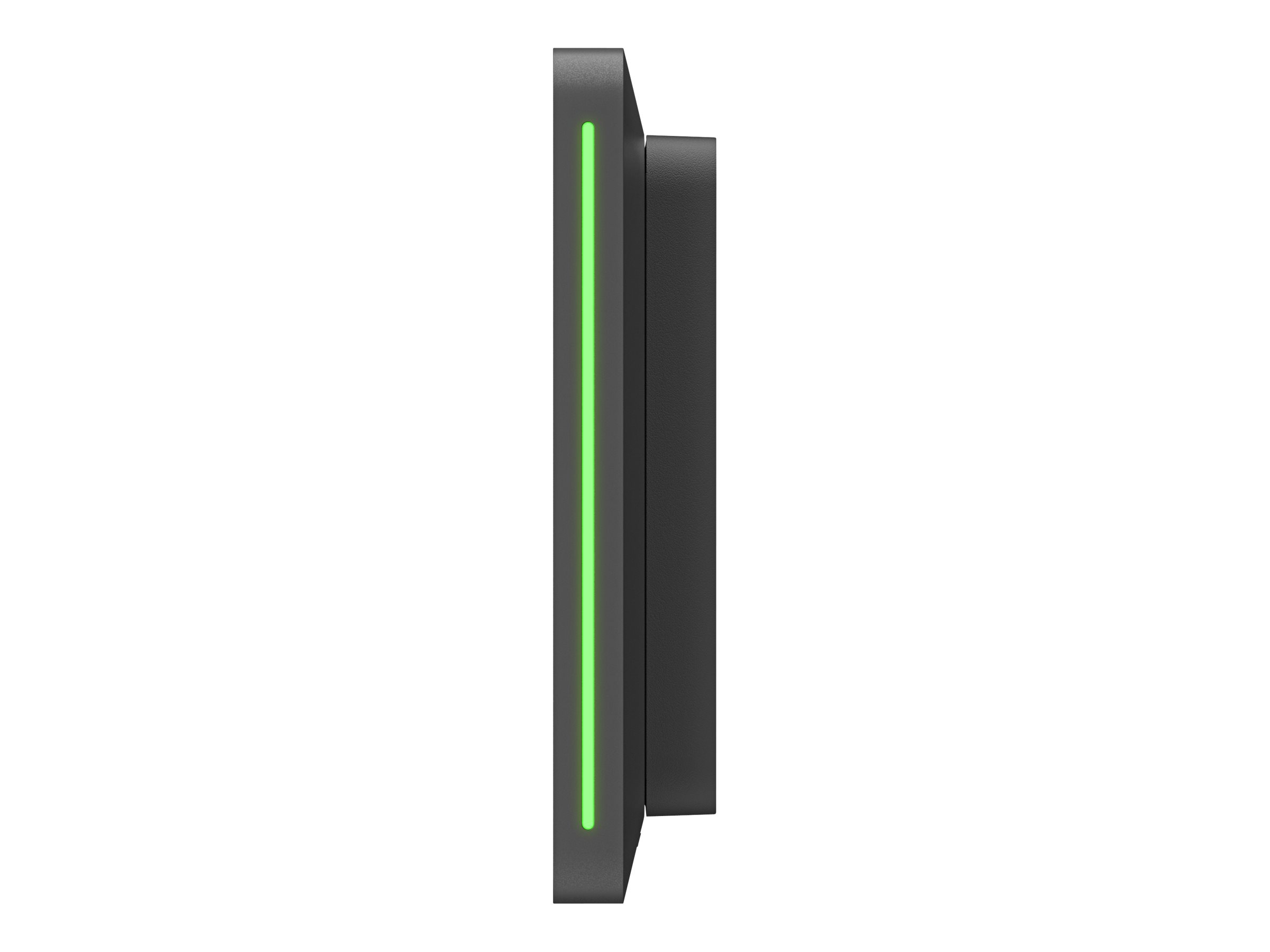
Quickly find an open room through colored LED lights that show availability at a distance. Up close, see room details, claim the space, or reserve the room on the spacious touchscreen. Easily install Tap Scheduler outside any room with the included glass, mullion, and wall mounts. Multiple routing options hide the single PoE cable for a clean and professional setup. With a 10.1″ touchscreen display, flat angle, and low profile, Tap Scheduler allows for easy reading from a variety of heights. With a purposeful design and durable components, Tap Scheduler is built for reliable performance that lasts. With Logitech Sync, you can monitor and manage Tap Scheduler along with your other meeting room devices from one single platform.
- 10.1-inch IPS display with 1280 x 800 resolution for clear, interactive scheduling
- Multi-touch, anti-fingerprint screen ensures a user-friendly experience
- Bluetooth 5.0 and Ethernet over PoE for versatile, reliable connectivity
- AES-128 encryption and ARM TrustZone for enhanced security
- Certified for Microsoft Teams and Zoom, ensuring compatibility with video conferencing platforms
- Intuitive touch control
The 10.1-inch IPS display with 10-point multi-touch offers an intuitive interface for scheduling meetings, featuring a 1280 x 800 native resolution for clear visuals and an anti-fingerprint coating to maintain a clean, clear screen. - Versatile connectivity
Equipped with both wired and wireless connectivity options, including Bluetooth 5.0 and Ethernet over PoE, this device ensures reliable connection in any meeting room setup. - Robust security
With AES-128 encryption and ARM TrustZone technology, the Scheduler Purpose-Built Scheduling Panel for Meeting Rooms provides a secure platform for your video conferencing needs. - Seamless integration
Certified for Microsoft Teams and Zoom, this device integrates smoothly with video conferencing platforms, enhancing your meeting room’s efficiency and productivity. - Durable and adaptable design
Featuring a durable display with VESA mounting and ambient lighting, the device is designed to fit any meeting room environment, ensuring optimal visibility and interaction.
Main Specifications
Product Description | Logitech Tap Scheduler Purpose-Built Scheduling Panel for Meeting Rooms – video conferencing device |
Device Type | Video conferencing device |
Dimensions (WxDxH) | 24.62 cm x 2.85 cm x 16.5 cm |
Display | 10.1″ IPS / 1280 x 800 |
Networking | IEEE 802.11a, IEEE 802.11ac, IEEE 802.11b, IEEE 802.11g, IEEE 802.11n, Ethernet, Fast Ethernet, Bluetooth 5.0 |
Software Certification | Certified for Microsoft Teams, Zoom Certified |
Extended Specifications
General
Device Type | Video conferencing device |
|---|---|
Width | 24.62 cm |
Depth | 2.85 cm |
Height | 16.5 cm |
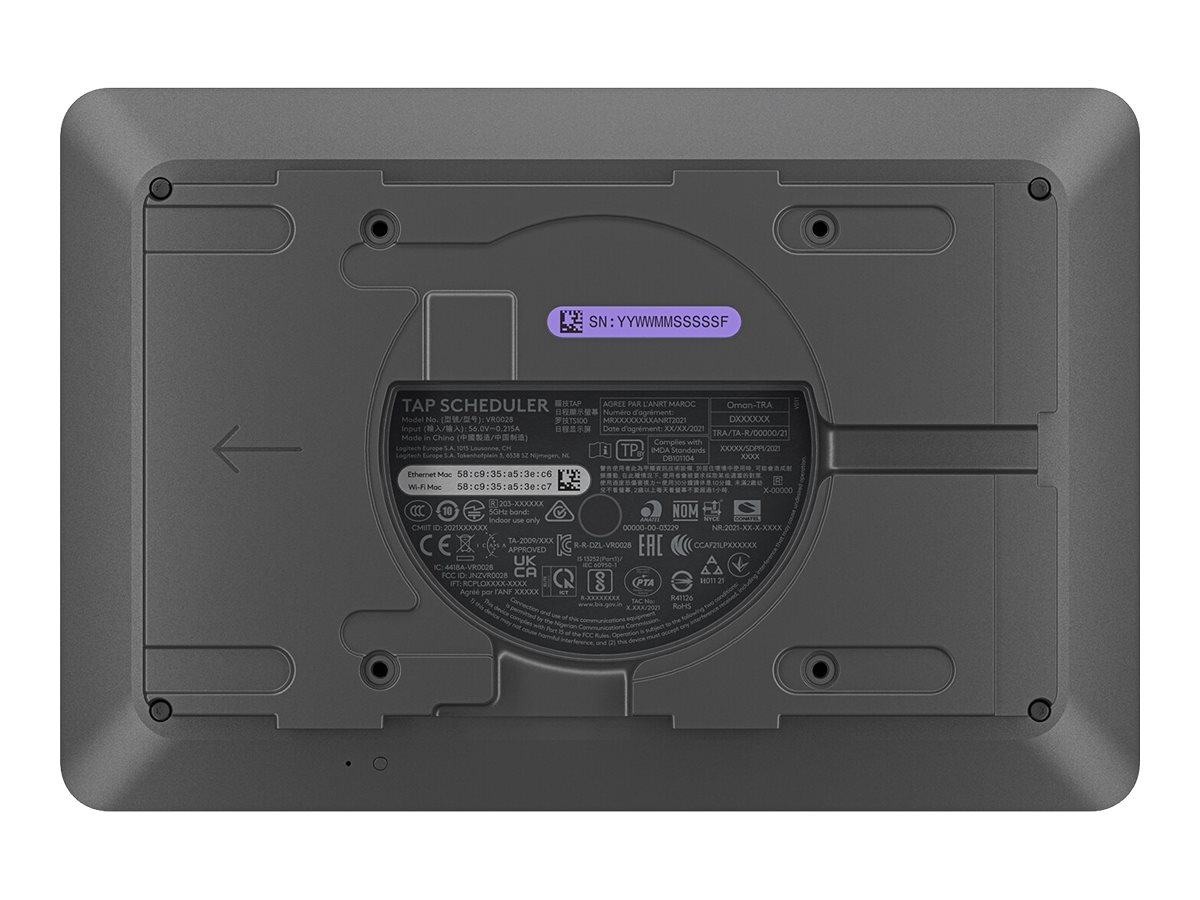
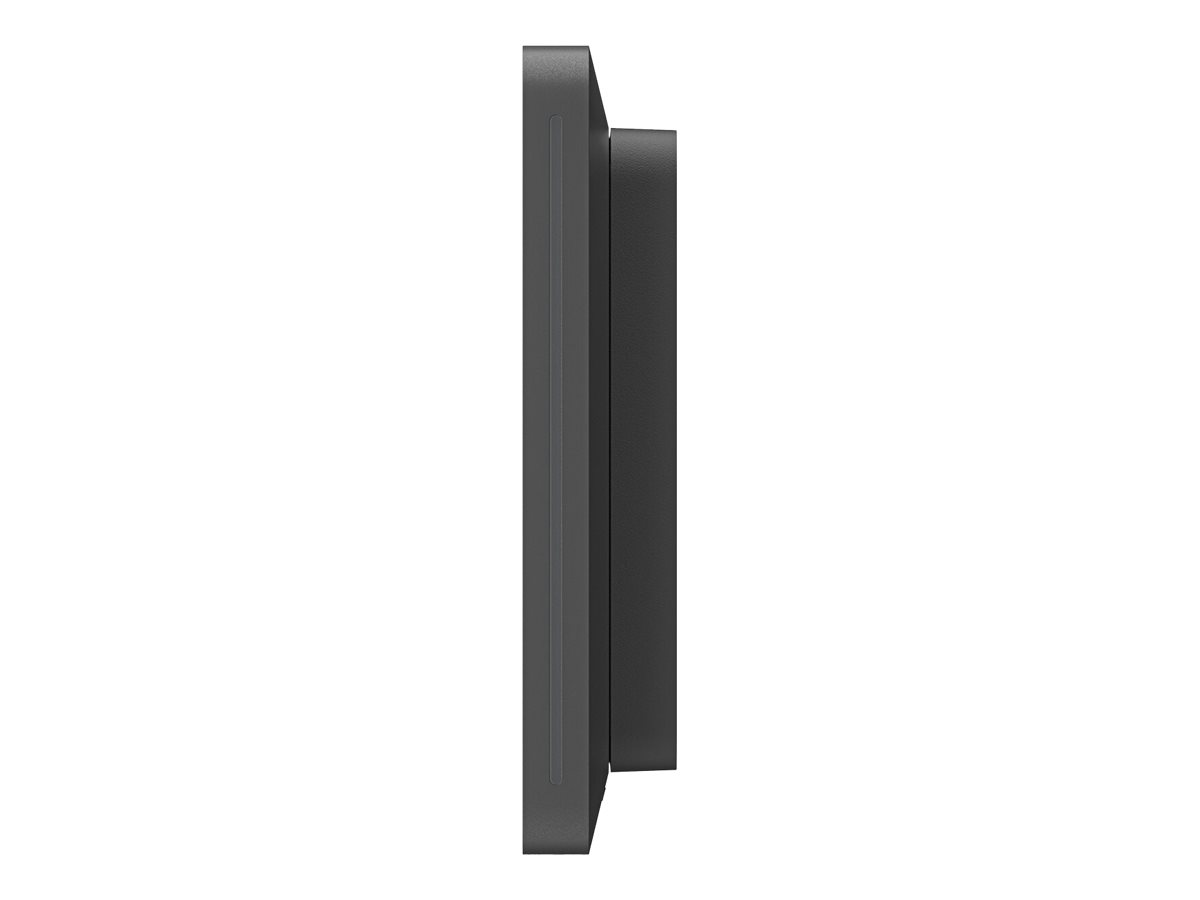
Dimensions & Weight Details | Surface mounted – Width 3.14 cm Depth 24.62 cm Height 16.5 cm Mullion mounted – Width 29.26 cm Depth 4.45 cm Height 16.5 cm |
Built-in Devices | Accelerometer |
Enclosure Colour | Graphite |
Display
Technology | IPS |
|---|---|
Diagonal Size | 10.1″ |
Native Resolution | 1280 x 800 |
Image Brightness | 400 cd/m² |
Image Contrast Ratio | 1000:1 |
Monitor Features | Anti-fingerprint, durable display, touch screen, LED-backlit, 85° viewing angle, 10-point multi-touch, ambient lighting, 100 x 100 VESA mounting |
Networking
Connectivity Technology | Wired, wireless |
|---|---|
Data Link Protocol | IEEE 802.11a, IEEE 802.11ac, IEEE 802.11b, IEEE 802.11g, IEEE 802.11n, Ethernet, Fast Ethernet, Bluetooth 5.0 |
Features | ARM TrustZone |
Compliant Standards | IEEE 802.11a, IEEE 802.11ac, IEEE 802.11b, IEEE 802.11g, IEEE 802.11n, Bluetooth 5.0, IEEE 802.3af |
Expansion / Connectivity
Interfaces | 1 x network – Ethernet 10Base-T/100Base-TX (PoE) – RJ-45 |
|---|
Miscellaneous
Included Accessories | Mounting hardware |
|---|---|
Software Certification | Certified for Microsoft Teams, Zoom Certified |
Compliant Standards | VESA FDMI, AES-128 |
Environmental Parameters
Min Operating Temperature | 0 °C |
|---|---|
Max Operating Temperature | 40 °C |
Humidity Range Operating | 10 – 95% |
Only logged in customers who have purchased this product may leave a review.
Reviews
There are no reviews yet.