
Keychron Keyboards
Shopping for a Keychron keyboard? This page lists our Keychron range so you can compare layouts, switch types and connection options — from compact mechanical boards for clean desk setups to full-size keyboards for productivity and everyday work.
- Pick your layout: choose from compact 60–75% styles, TKL, and full-size options depending on your desk space and workflow
- Switch feel: compare tactile vs linear options (and hot-swap models where available) to get the typing feel you actually like
- Connectivity: find the right mix of wired and wireless options for desktop, laptop, or multi-device setups
-

Keychron K10 Max, keyboard, QMK , mechanical, 100%, QWERTY, US Input Device
Part #: K10M-A3$194.28 inc GST✕ BackorderFree Delivery
Add to cartPPID: AB42732 -
Keychron V3 Max, keyboard, QMK/VIA, custom mechanical TKL, with knob, carbon black Input Device
Part #: V3M-D3$193.92 inc GST✓ In StockFree Delivery
Add to cartPPID: AB37516 -
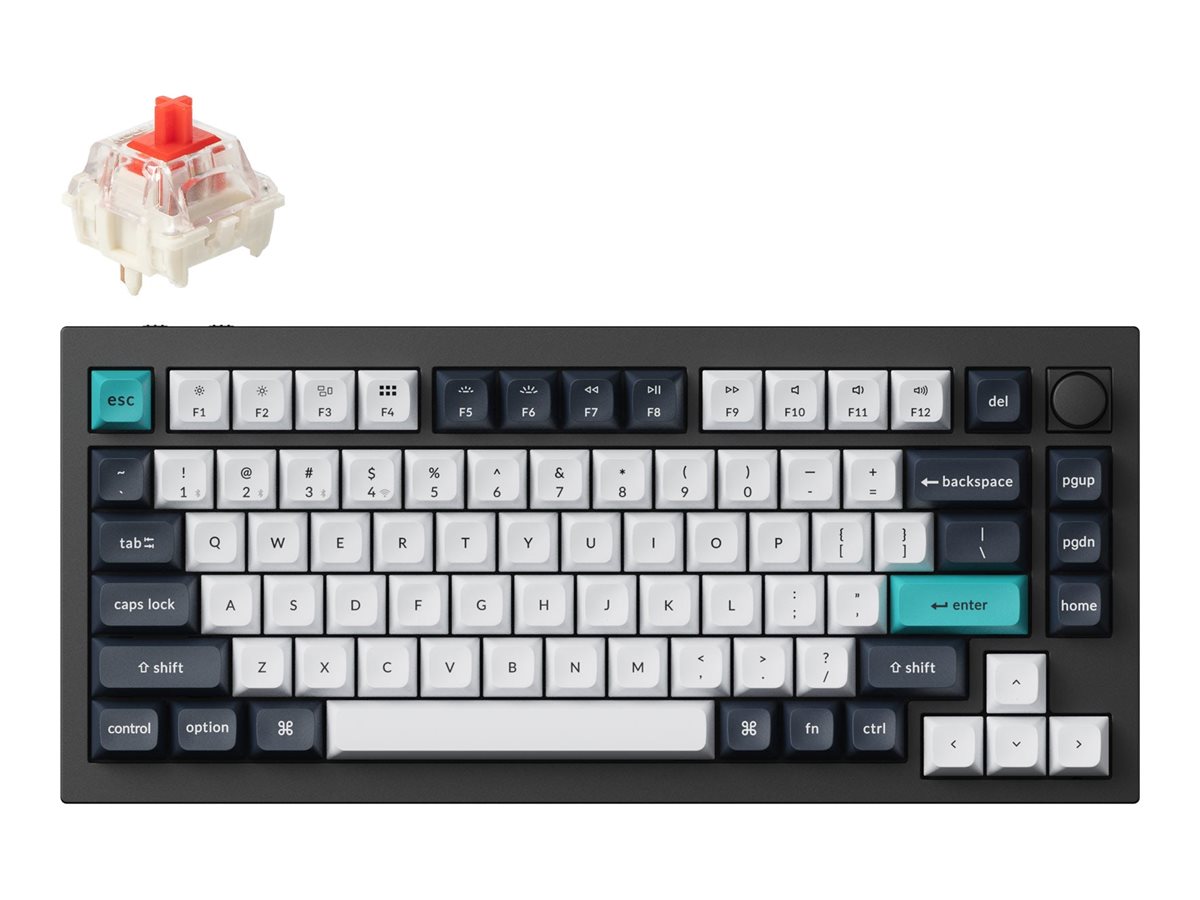
Keychron K2 HE, Special Edition, keyboard, magnetic switch custom, 75%, white Input Device
Part #: K2H-Q1$291.25 inc GST✓ In StockFree Delivery
Add to cartPPID: AB45136 -
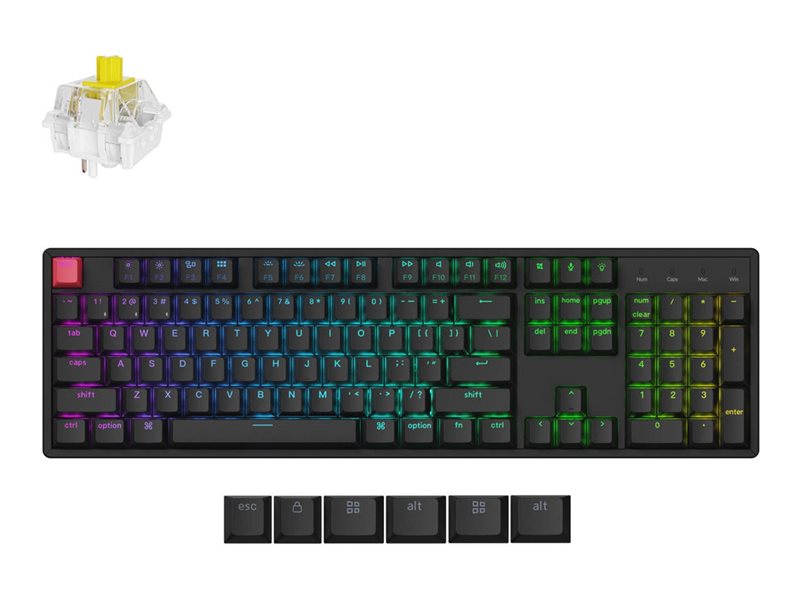
Keychron K10 HE, Standard Version, keyboard, 100% full size, black Input Device
Part #: K10H-J1$247.38 inc GST✕ BackorderFree Delivery
Add to cartPPID: AB51412 -
Keychron K10 HE, keyboard, 100% full size, black Input Device
Part #: K10H-F1$265.22 inc GST✕ BackorderFree Delivery
Add to cartPPID: AB51413 -
Keychron B36, keyboard, 100% full size, deep black Input Device
Part #: B36-K9$92.96 inc GST✓ In StockFree Delivery
Add to cartPPID: AB53285 -
Keychron K1, Version 6, keyboard, QMK , mechanical, 80% TKL Input Device
Part #: K1X-A1$176.85 inc GST✓ In StockFree Delivery
Add to cartPPID: AB42728 -
Keychron K5, Version 2, keyboard, QMK , mechanical, 100% full size Input Device
Part #: K5X-A1$193.91 inc GST✓ In StockFree Delivery
Add to cartPPID: AB45140 -
Keychron V1 Ultra, keyboard, QMK, custom, mechanical, QWERTY, US, carbon black Input Device
Part #: V1U-D1$238.41 inc GST✓ In StockFree Delivery
Add to cartPPID: AB57848 -
Keychron K10, Version 2, keyboard, QMK mechanical, 100% full size Input Device
Part #: K10X-J4$238.41 inc GST✓ In StockFree Delivery
Add to cartPPID: AB45133 -
Keychron K10 HE, keyboard, 100% full size, white Input Device
Part #: K10H-Q1$264.71 inc GST✓ In StockFree Delivery
Add to cartPPID: AB51414 -
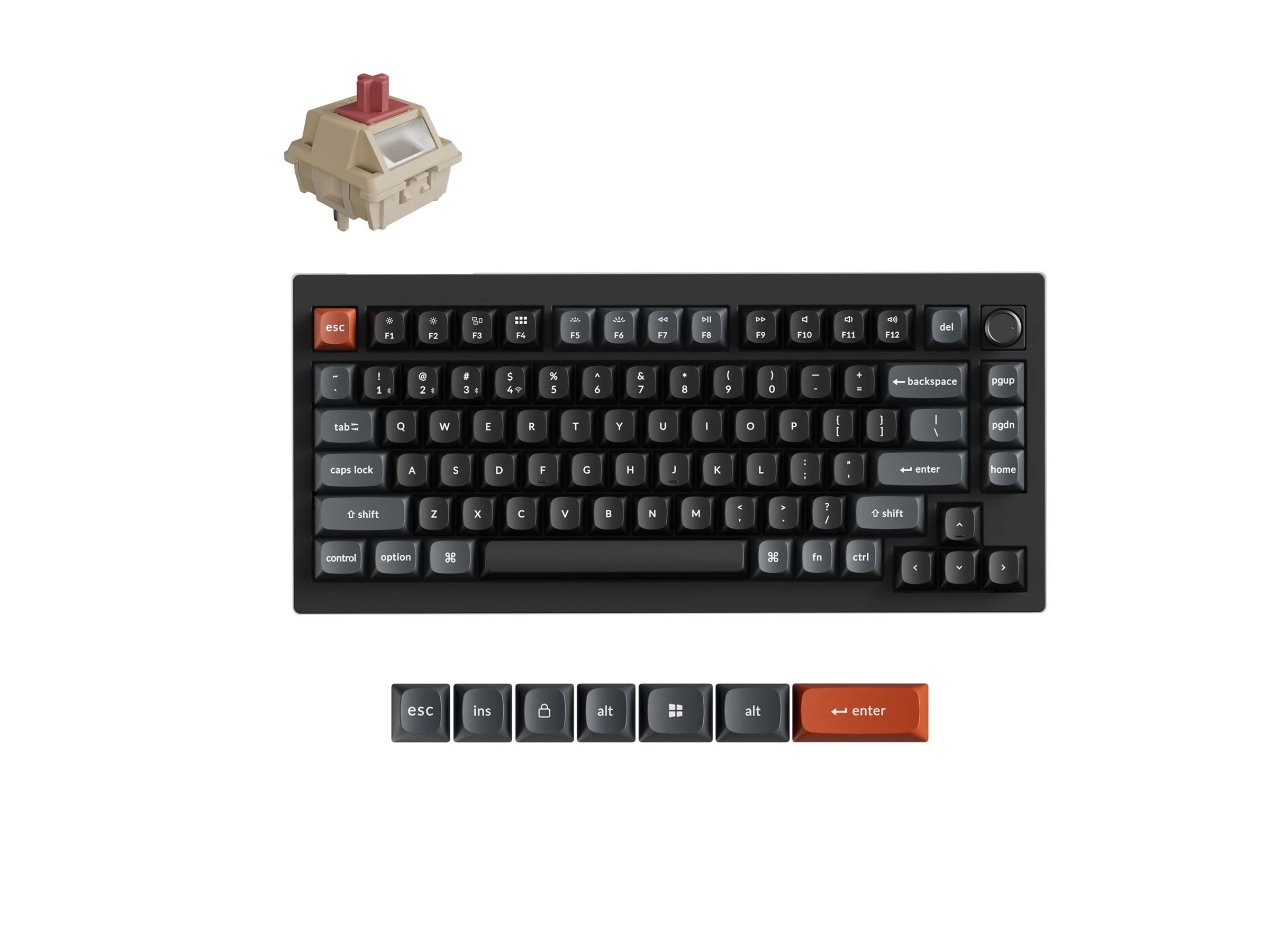
Keychron Q1 Max, keyboard, QMK/VIA, custom mechanical, fully assembled knob, carbon black Input Device
Part #: Q1M-M1$387.69 inc GST✓ In StockFree Delivery
Add to cartPPID: AB33473 -
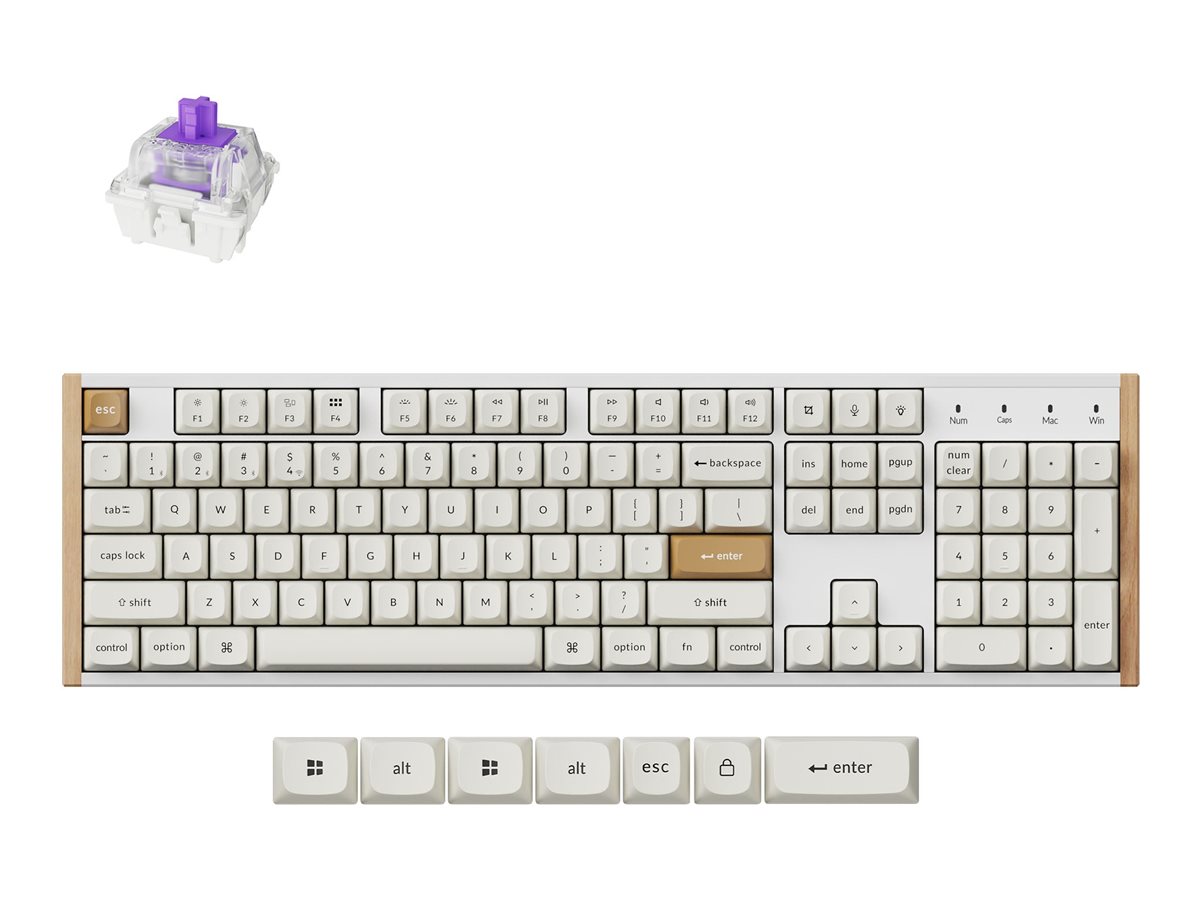
Keychron Q6 Max, keyboard, QMK/VIA, fully assembled knob, mechanical, 100% full size, shell white Input Device
Part #: Q6M-P4$405.44 inc GST✓ In StockFree Delivery
Add to cartPPID: AB38880 -
Keychron Q6 Ultra, keyboard, 100% full size, QWERTY, US, white Input Device
Part #: Q6U-P4$457.75 inc GST✓ In StockFree Delivery
Add to cartPPID: AB57840 -
Keychron Q6 HE, keyboard, QMK custom, fully assembled knob, 100% full size, carbon black Input Device
Part #: Q6H-M1$505.43 inc GST✓ In StockFree Delivery
Add to cartPPID: AB45146
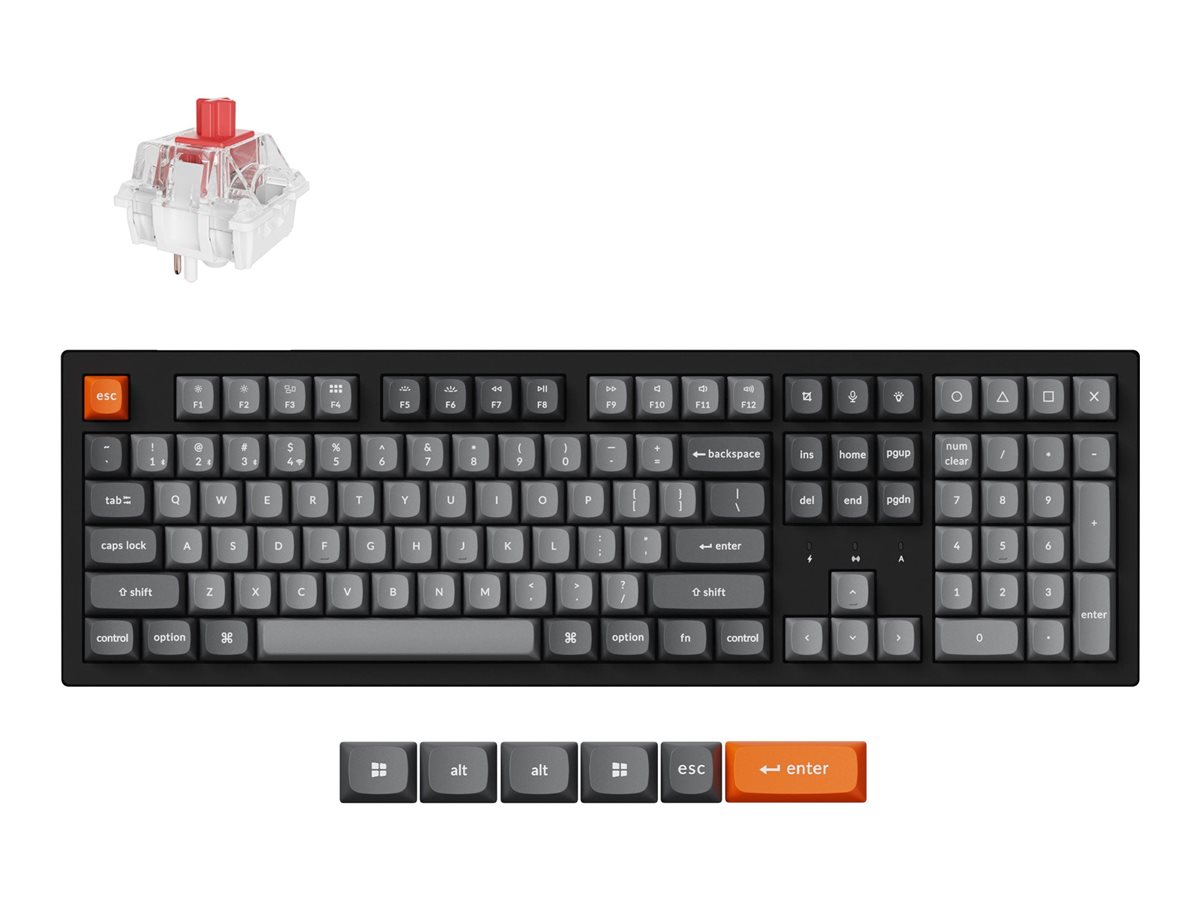
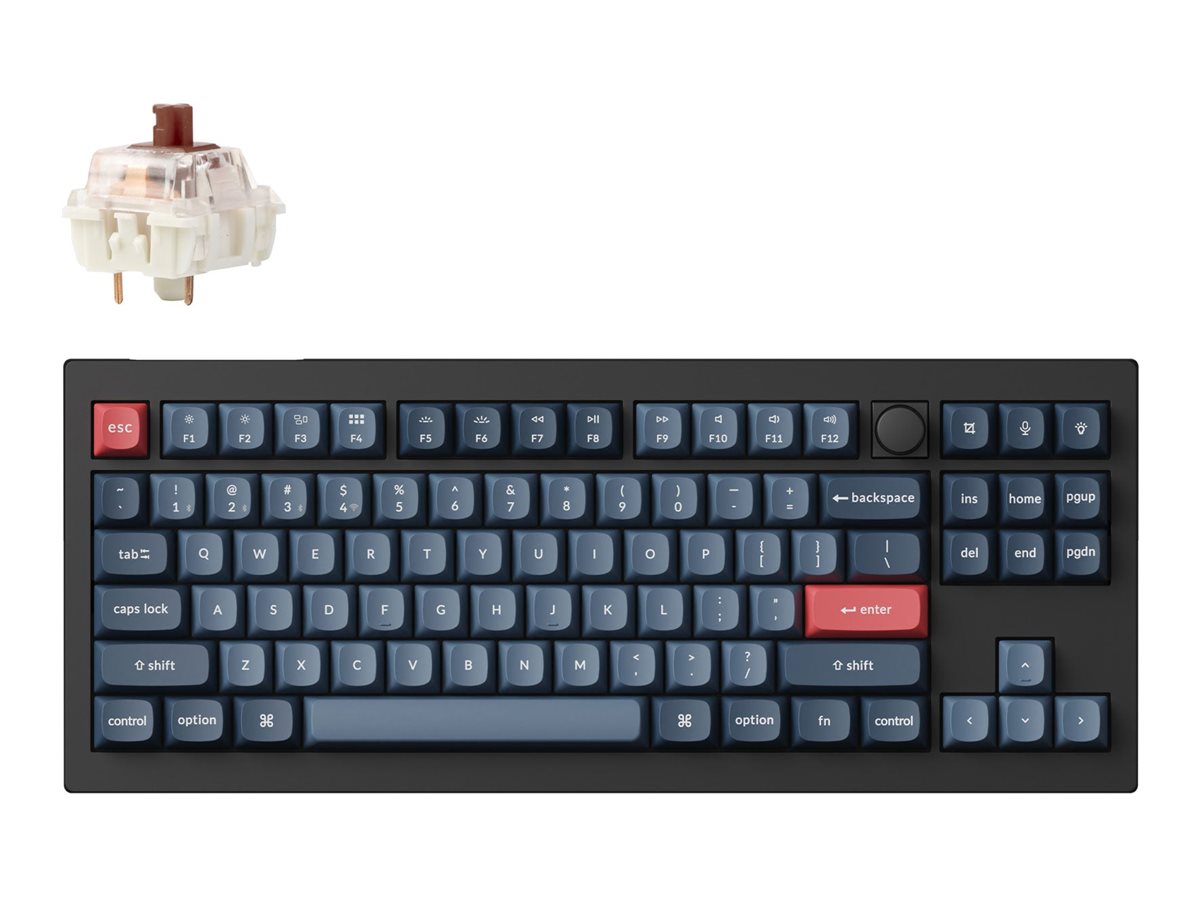
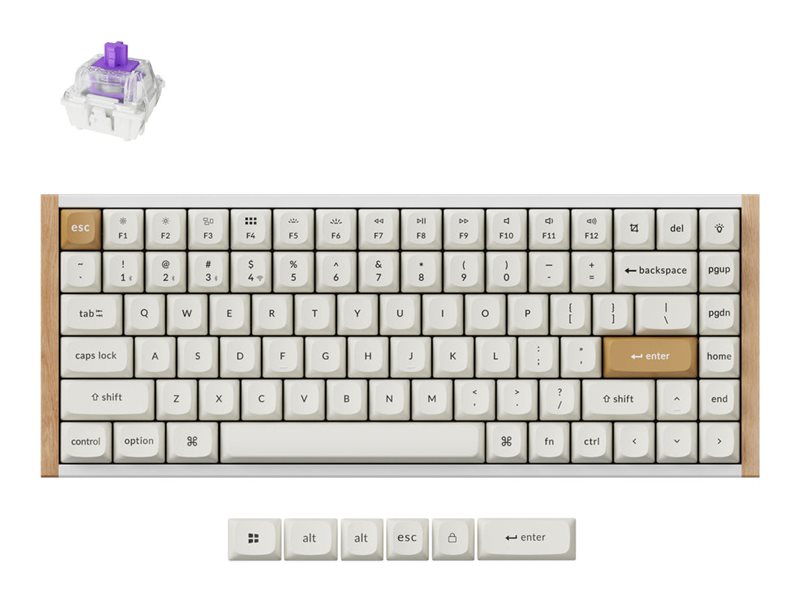
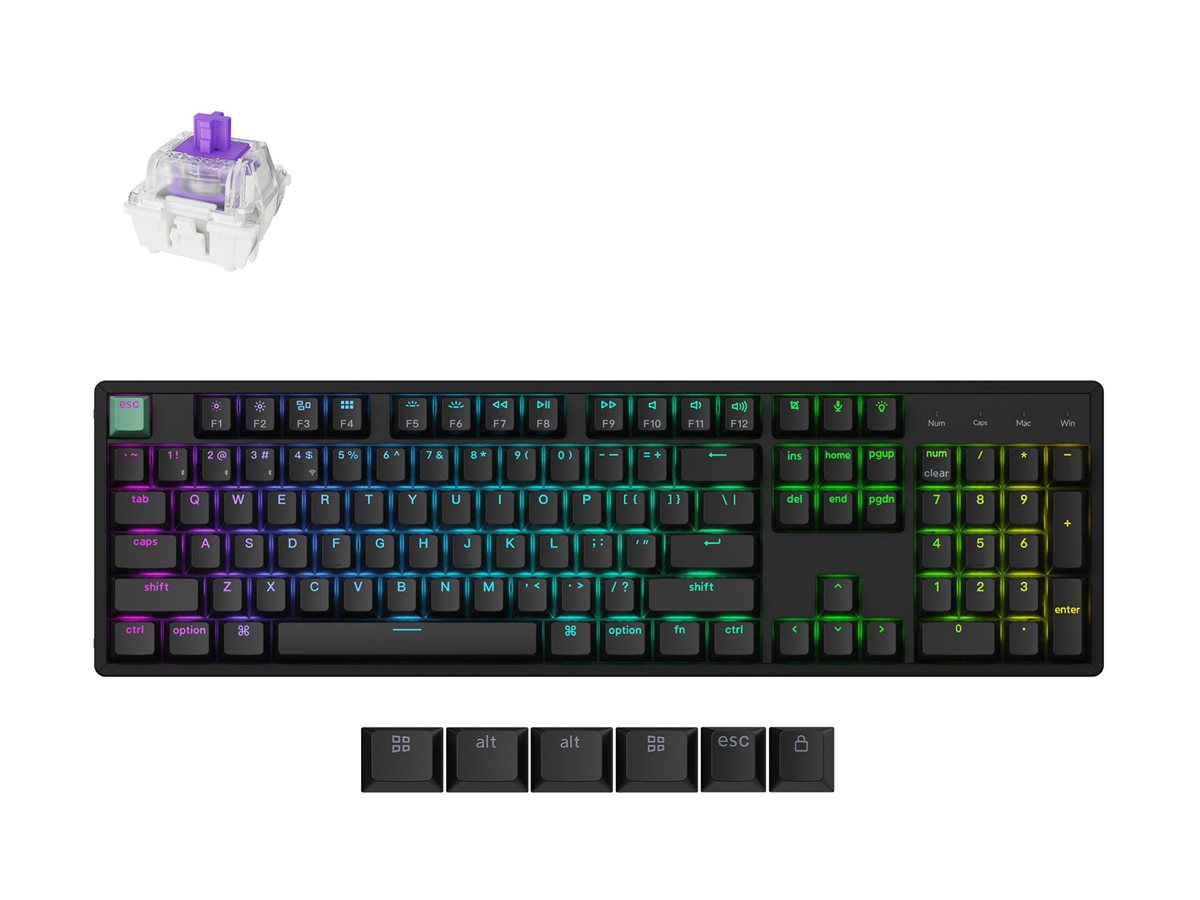
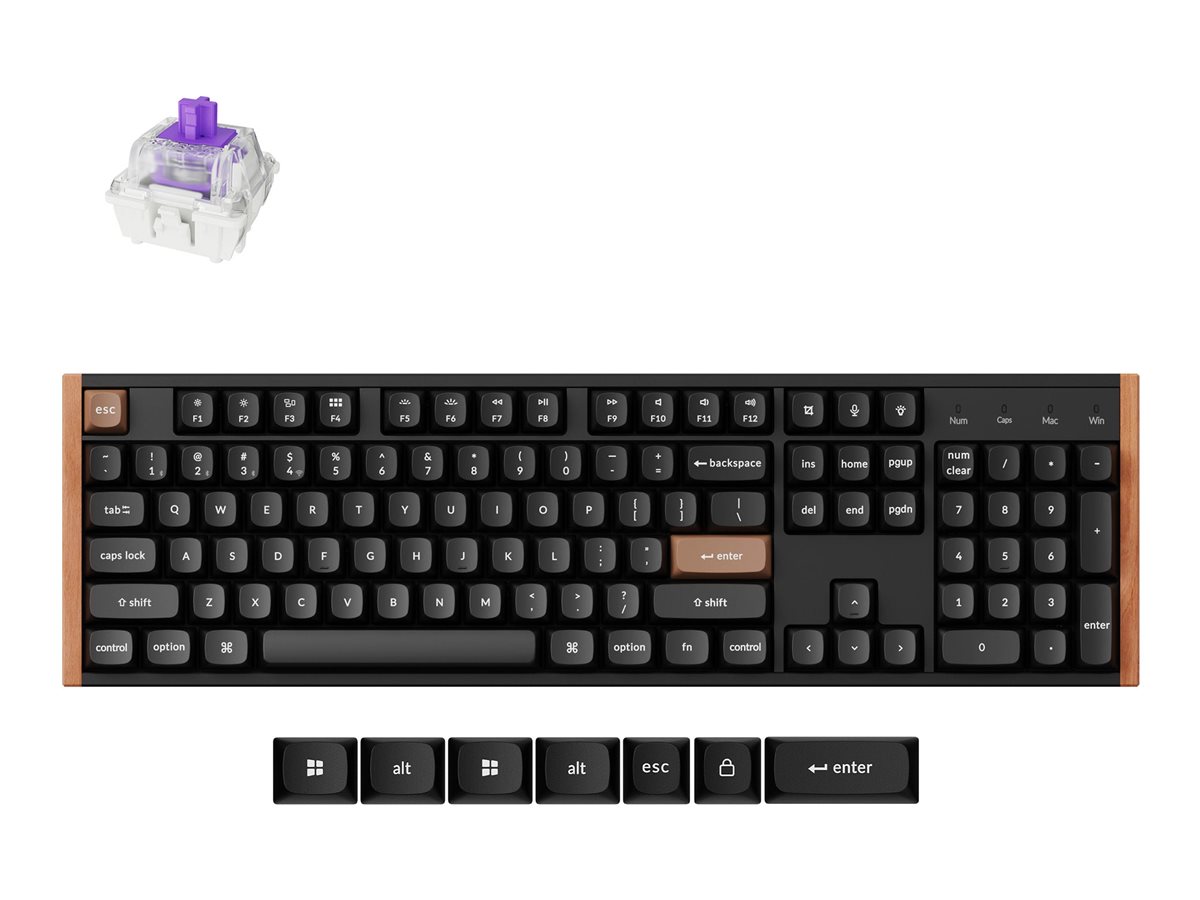
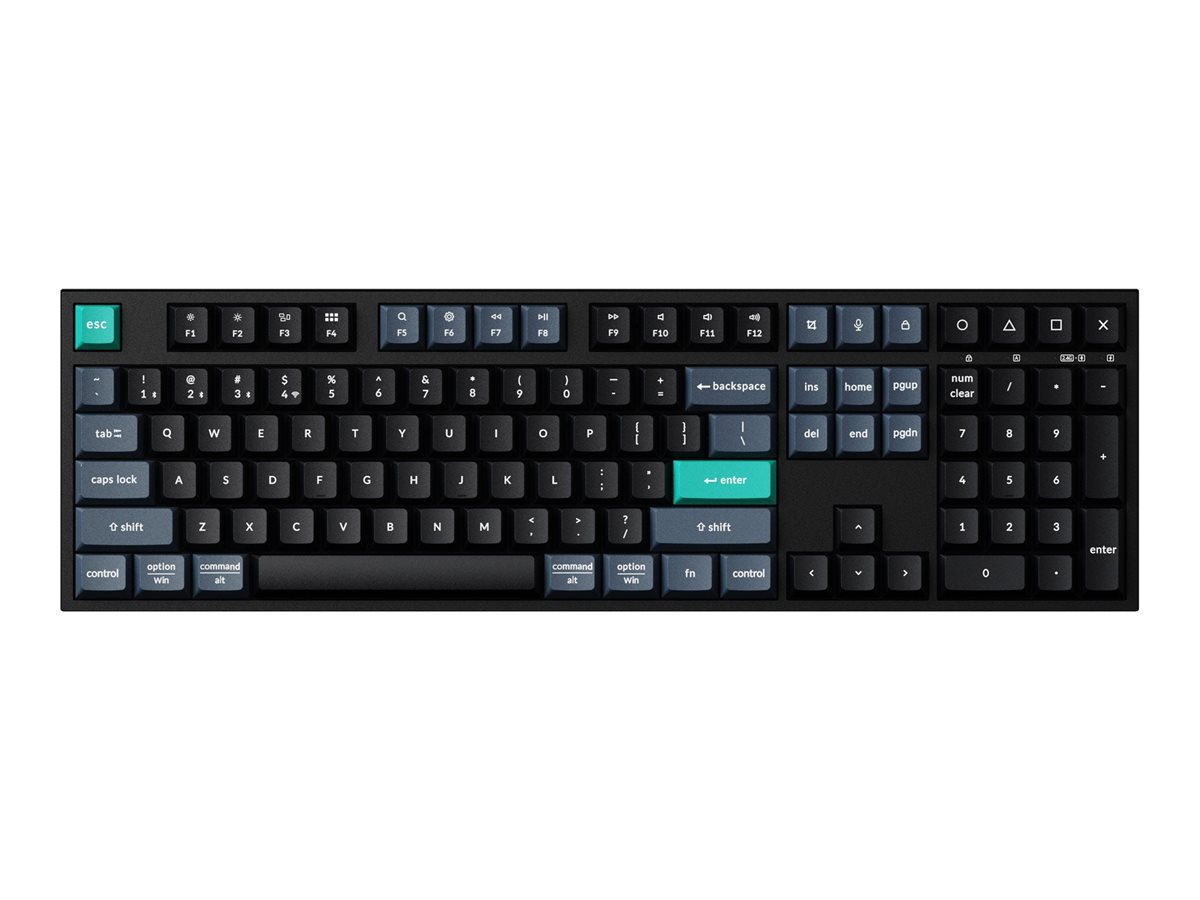
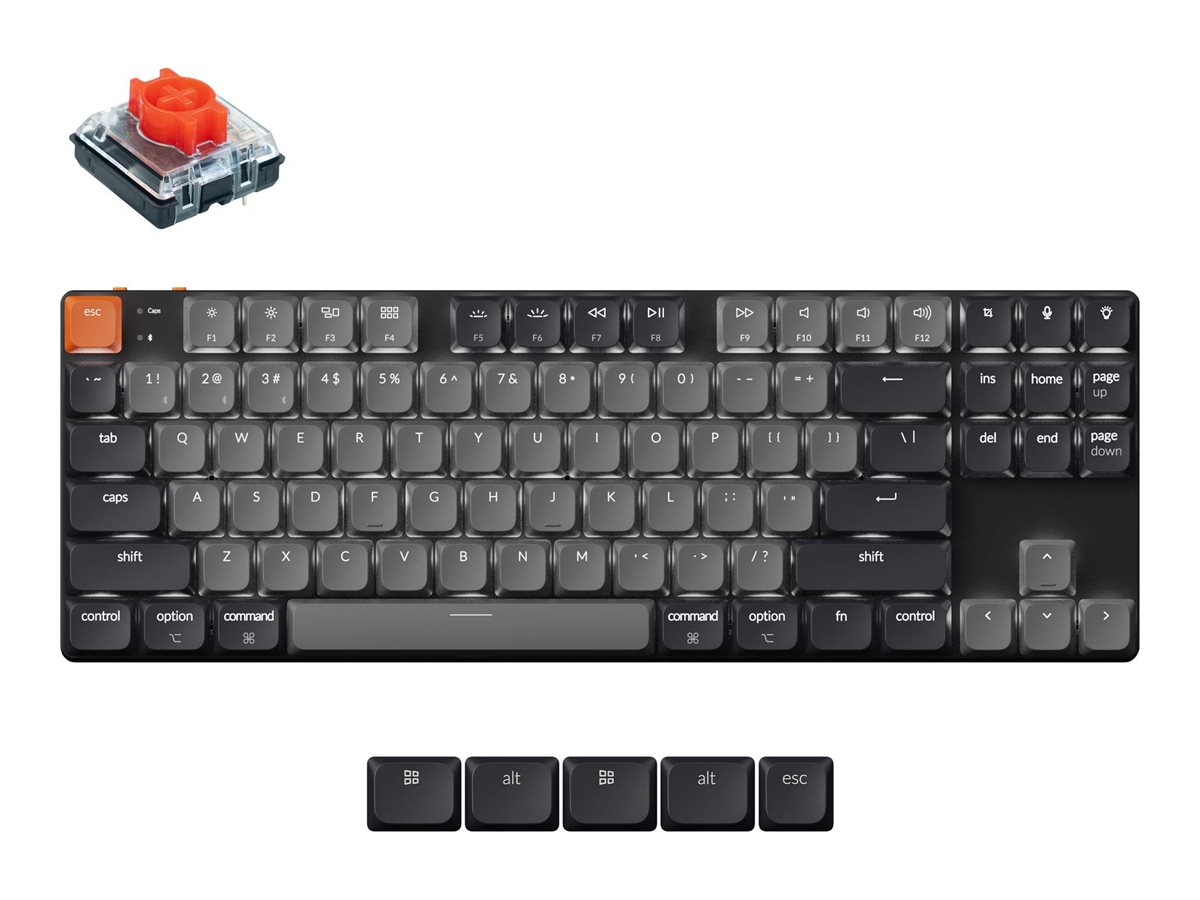
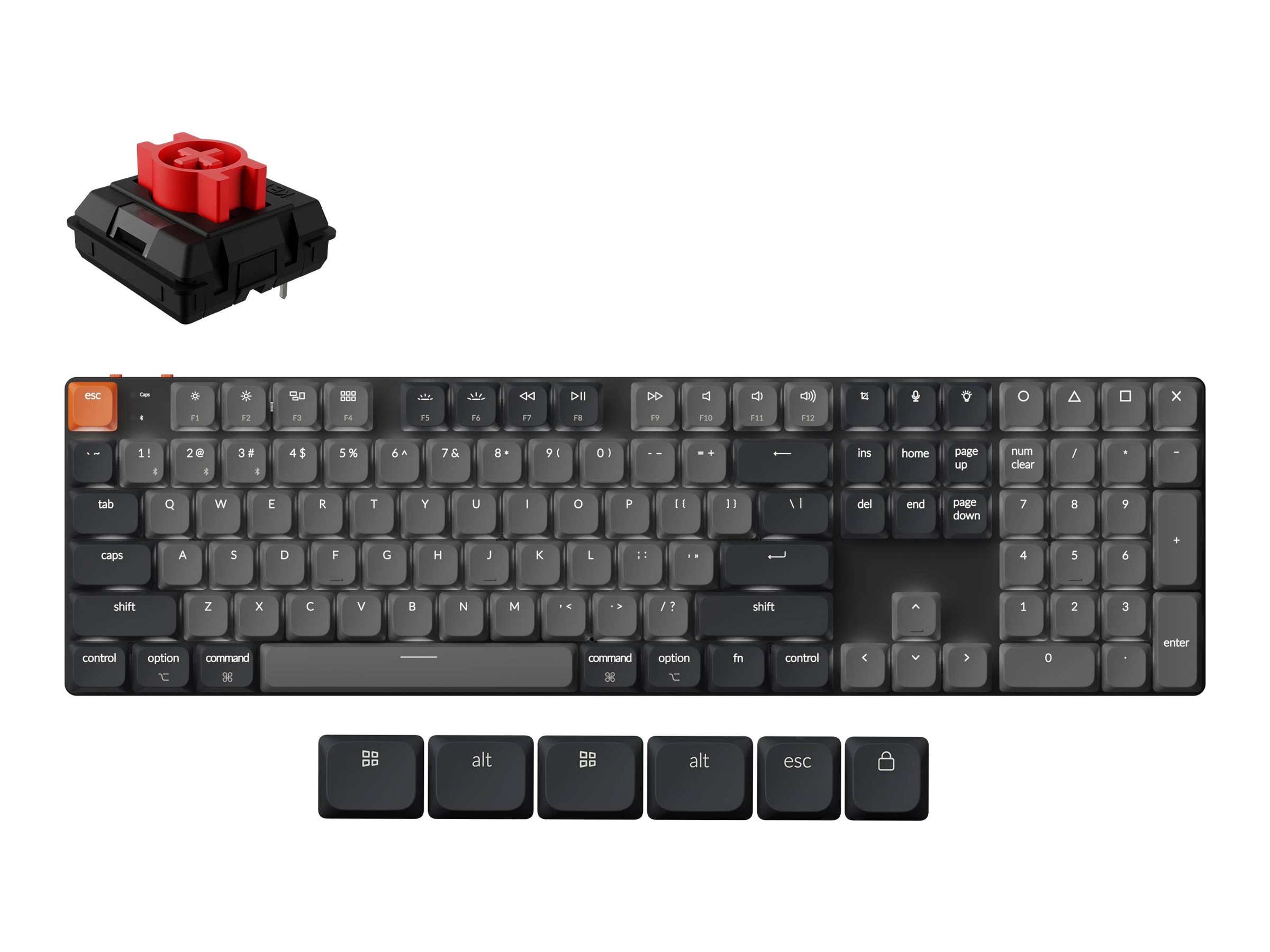
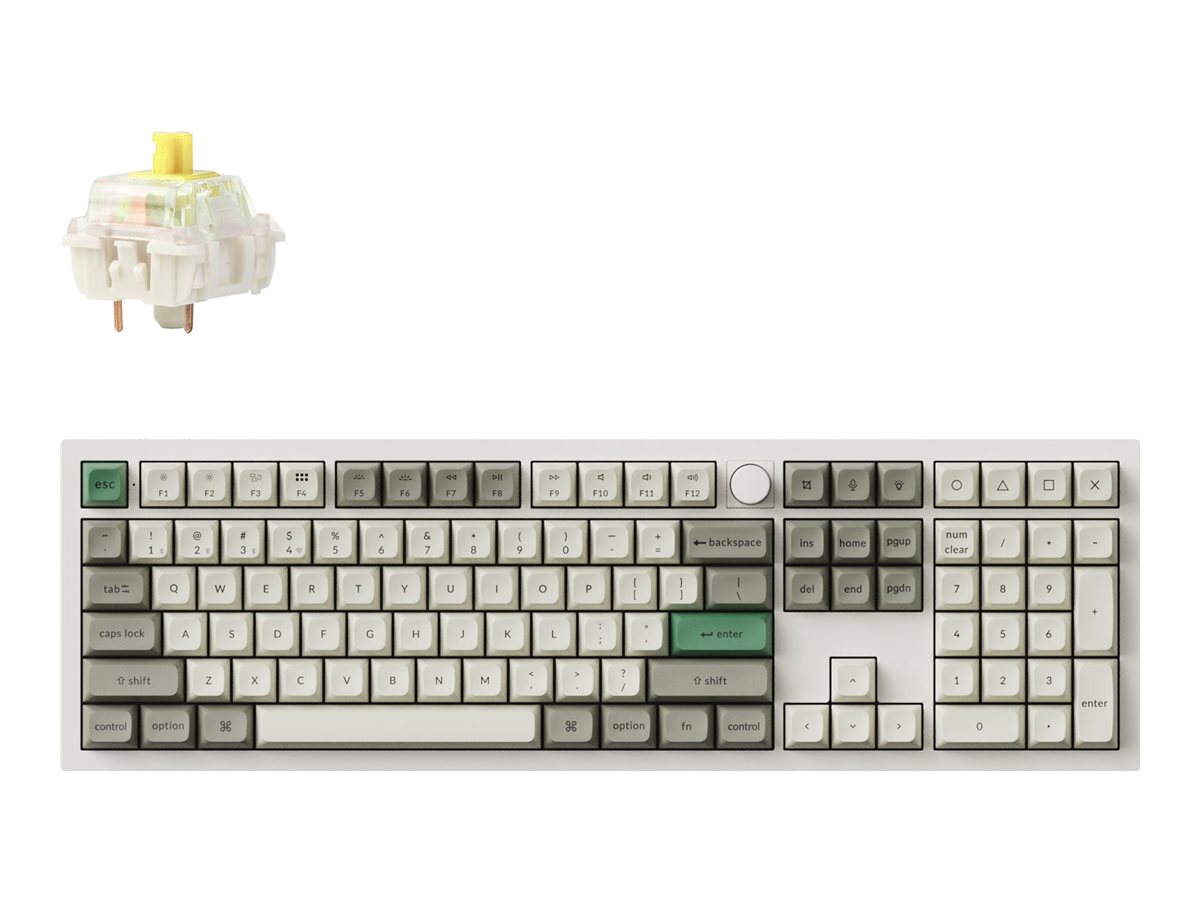
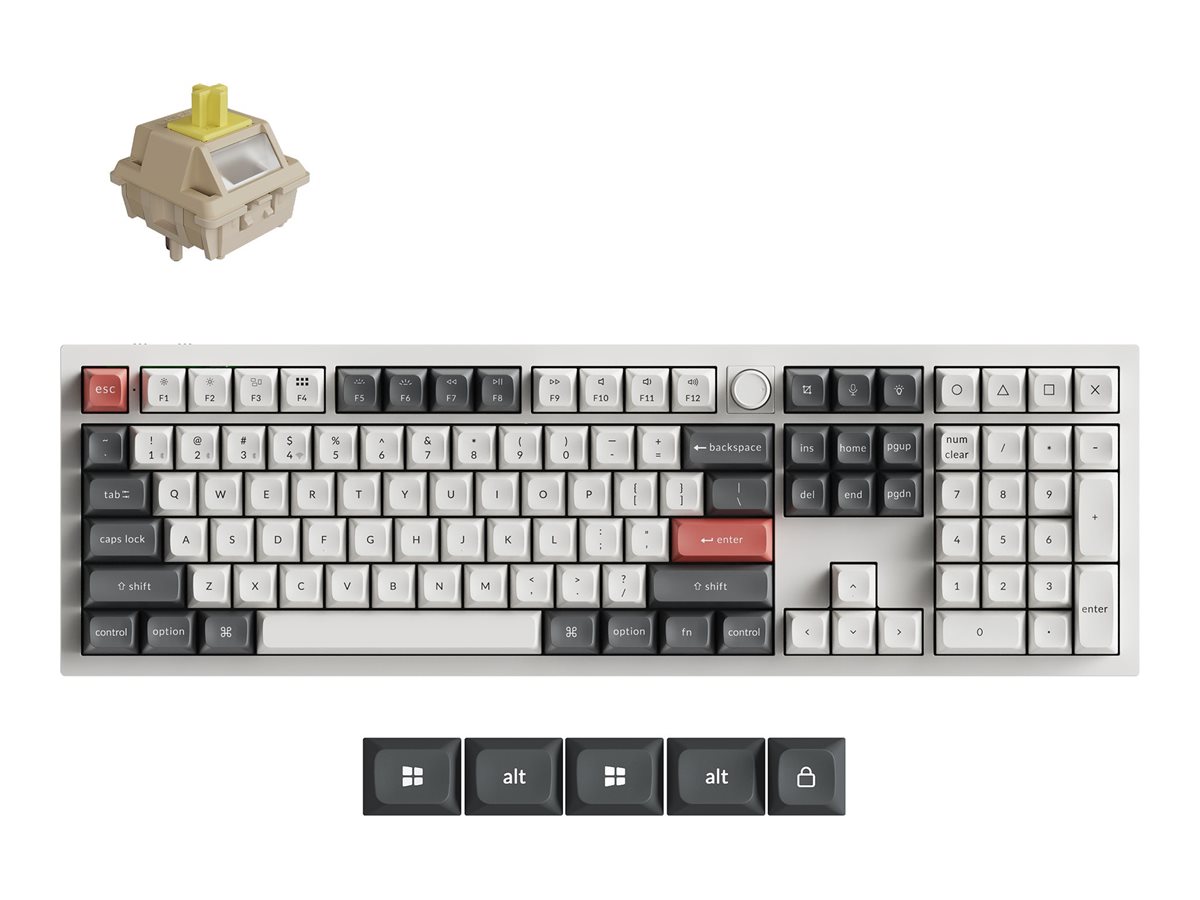
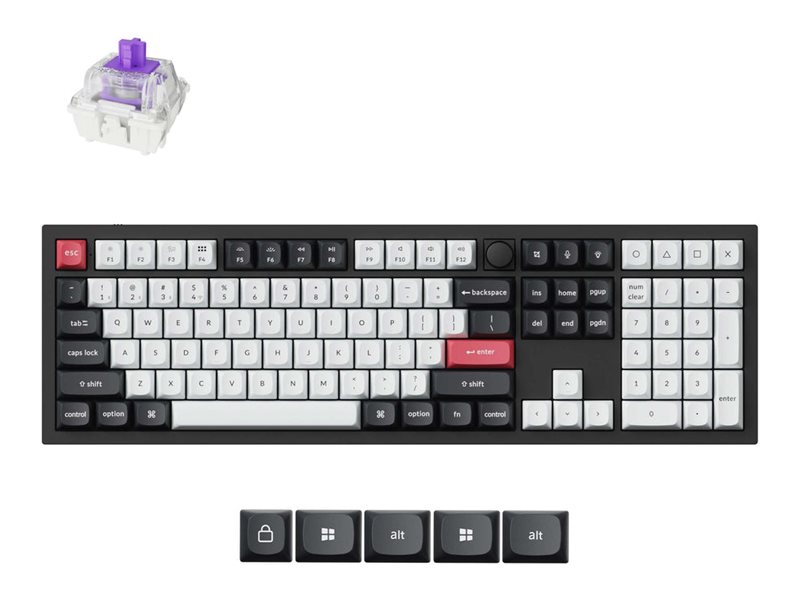
Keychron keyboards are popular because they’re practical: good layouts, solid typing feel, and easy compatibility across Mac and Windows. When you’re choosing a model, the “right” one usually comes down to layout and switch feel first — then whether you need wireless, a quieter typing experience, or extra controls like a knob.
- Layout first: smaller layouts save space; TKL keeps arrows/navigation without the numpad; full-size is ideal if you rely on the numpad
- Low-profile vs standard: low-profile boards feel faster and slimmer; standard-profile boards often offer more switch and keycap options
- Noise & comfort: consider your space (office vs home) and look for features that suit long sessions, like quieter switches or comfort-focused designs
- Check the details: confirm the specific model’s connectivity modes, key layout, and what’s included in the box before you buy